



- TL;DR: DevOps security best practices embed security checks directly into the pipeline. It works better in a continuous delivery model than treating security as a final gate
- The DevSecOps approach shifts security from a pre-release review gate into a shared, automated responsibility that runs at every stage of development, starting from the very beginning of the pipeline
- Embedding security in the software development lifecycle follows several steps: threat modeling at design, secure code review, dependency scanning, CI/CD security gates, pre-production container scanning, and runtime monitoring with incident response loops
- 6 core practices make pipelines defensible: shift-left testing, secrets management, least privilege access, IaC security, container security, and audit logging with observability
- Tools like SonarQube, HashiCorp Vault, and Aqua Security cover different pipeline stages and work best when integrated rather than used in isolation
- Compliance in regulated industries scales only when it runs automatically through the pipeline, not when it's assembled manually before an audit
DevOps teams deploy code far more frequently than traditional software teams. That's the point. But every deployment is also a potential entry point, and the faster you ship, the less time there is to catch what slipped in. Vulnerable dependencies don't announce themselves, and neither do hardcoded secrets. IBM's Cost of a Data Breach Report found that breaches detected late cost organizations nearly $1 million more than those caught internally and early. Practically, in a pipeline running dozens of deployments a week, "late" can mean weeks of exposure before anyone notices. DevOps security best practices exist to close that gap by embedding security checks directly into the pipeline, at the same speed the pipeline runs, so nothing ships without being examined.
At ELITEX, we've spent over a decade delivering DevOps automation services and solutions to startups and mid-sized companies in industries like fintech, healthcare, hospitality, real estate, publishing, and e-commerce. That experience taught us one consistent lesson: security works best when it's part of the workflow from day one, not added on top afterward. So in this guide, we share what actually holds up in real pipelines, based on the problems we've seen and the fixes that work.
What is DevOps security?
DevOps security is the practice of integrating security into every phase of the software development and delivery process, rather than treating it as a final stage before release. In traditional workflows, security teams reviewed code after development was complete. DevOps environments compress that timeline significantly, which means security practices have to compress with it. The goal is to catch security vulnerabilities as early as possible, before they reach production, by building automated checks into CI/CD pipelines and making security a shared responsibility across development and operations teams.
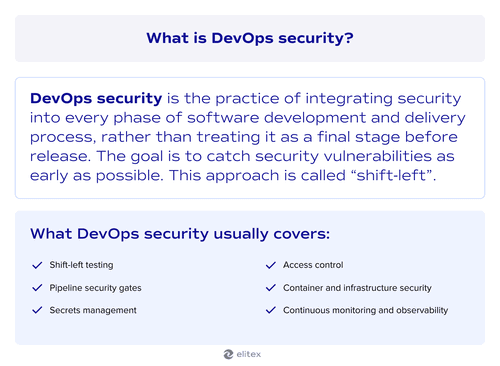
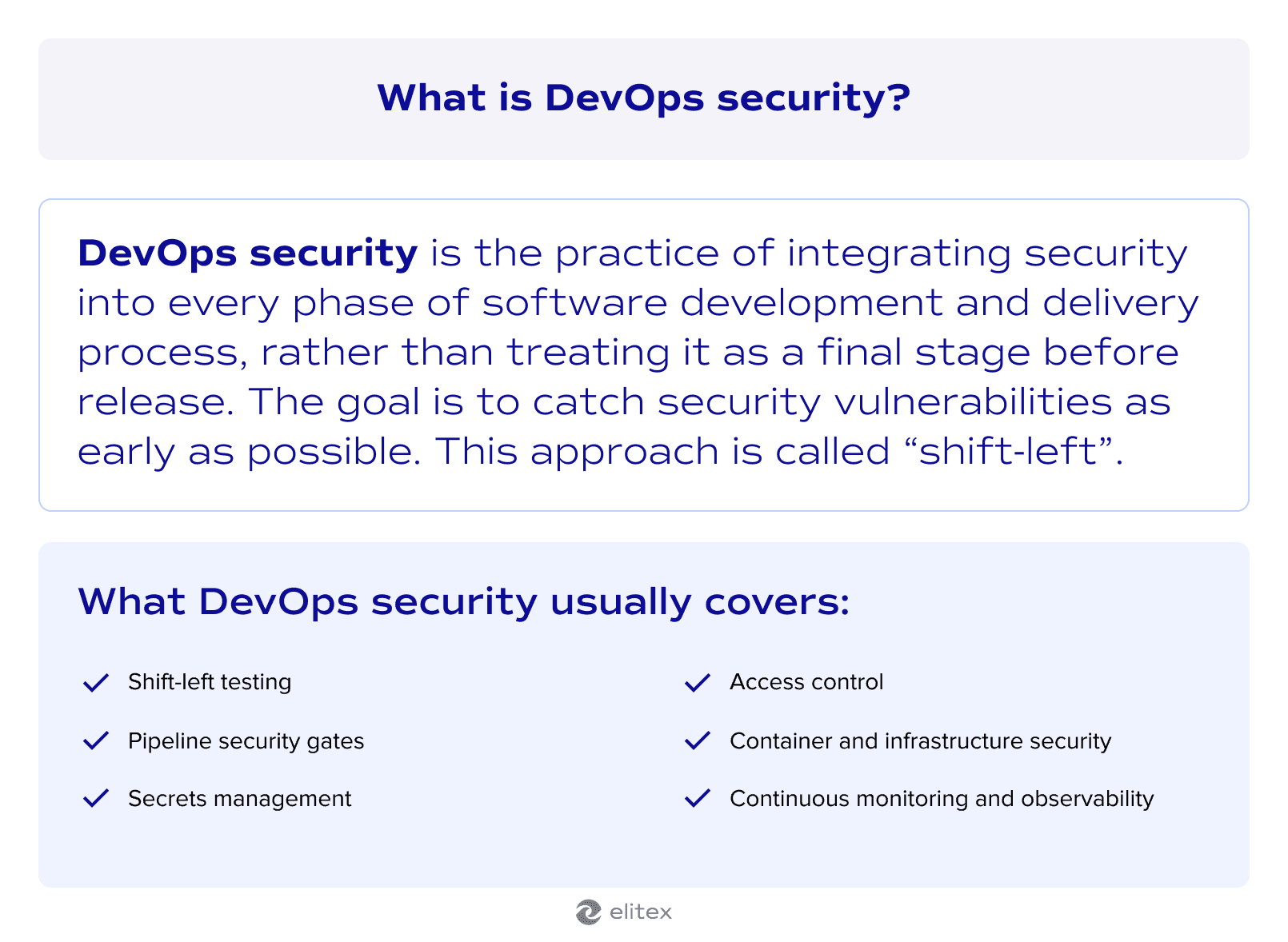
What DevOps security usually covers:
- Shift-left testing. Security checks move earlier in the development cycle, so vulnerabilities are caught at the code level before they travel further down the pipeline. Also, DevOps culture involves security check automation, so tests are run not only early but also with almost no human involvement.
- Pipeline security gates. Automated scans run at each stage of CI/CD pipelines, blocking builds that introduce known security vulnerabilities or fail defined thresholds.
- Secrets management. Credentials, API keys, and tokens are stored and rotated through dedicated vaults rather than hardcoded into repositories, where they are trivially easy to expose.
- Access control. Every service, tool, and team member in a DevOps environment operates with the minimum permissions needed to do their job. This point is especially critical in heavily regulated industries like fintech or healthcare.
- Container and infrastructure security. Images and infrastructure configurations are scanned before deployment, catching misconfigurations that would otherwise become open doors in production.
- Continuous monitoring and observability. Production environments are observed in real time, so anomalies get flagged and investigated before they escalate into full breaches.
DevOps and DevSecOps
DevOps with integrated security is known as DevSecOps. Classical DevOps optimizes for speed and collaboration between development and operations teams, but security in that model often arrives late, typically as a review gate before release. DevSecOps changes that by making security a first-class concern from the very first line of code, so every team member shares responsibility for security outcomes rather than handing them off to a dedicated team at the end.
The practical difference shows up most clearly when something goes wrong. In a classical DevOps setup, a vulnerability found late in the pipeline means rework, delays, and in the worst case, a production incident. DevSecOps reduces that risk by automating security checks throughout the entire cycle. This approach builds on the same security best practices in DevOps that high-performing teams from DORA report already follow, but embeds them earlier and more consistently.
Note: If you want a deeper comparison of how the two models differ in structure and priorities, we have a dedicated article on DevOps vs DevSecOps. And if you're not sure which approach fits your current setup, that's exactly the kind of question our DevSecOps consulting services and automation strategy consulting are built to answer.
How to embed DevOps security in the software development lifecycle
Now, let’s move to the practical part of our article.
Embedding security in DevOps doesn't happen by adding a single tool or a single review step. A secure DevOps automation methodology distributes security across the entire software development lifecycle, so each stage has its own checks, and each team knows what it owns. The sections below follow the sequence of a typical delivery pipeline, from design to production. Note that specific implementation techniques like secrets management and least privilege are covered in the DevOps security best practices section that follows.
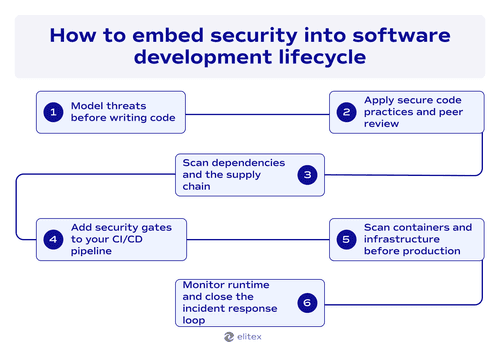
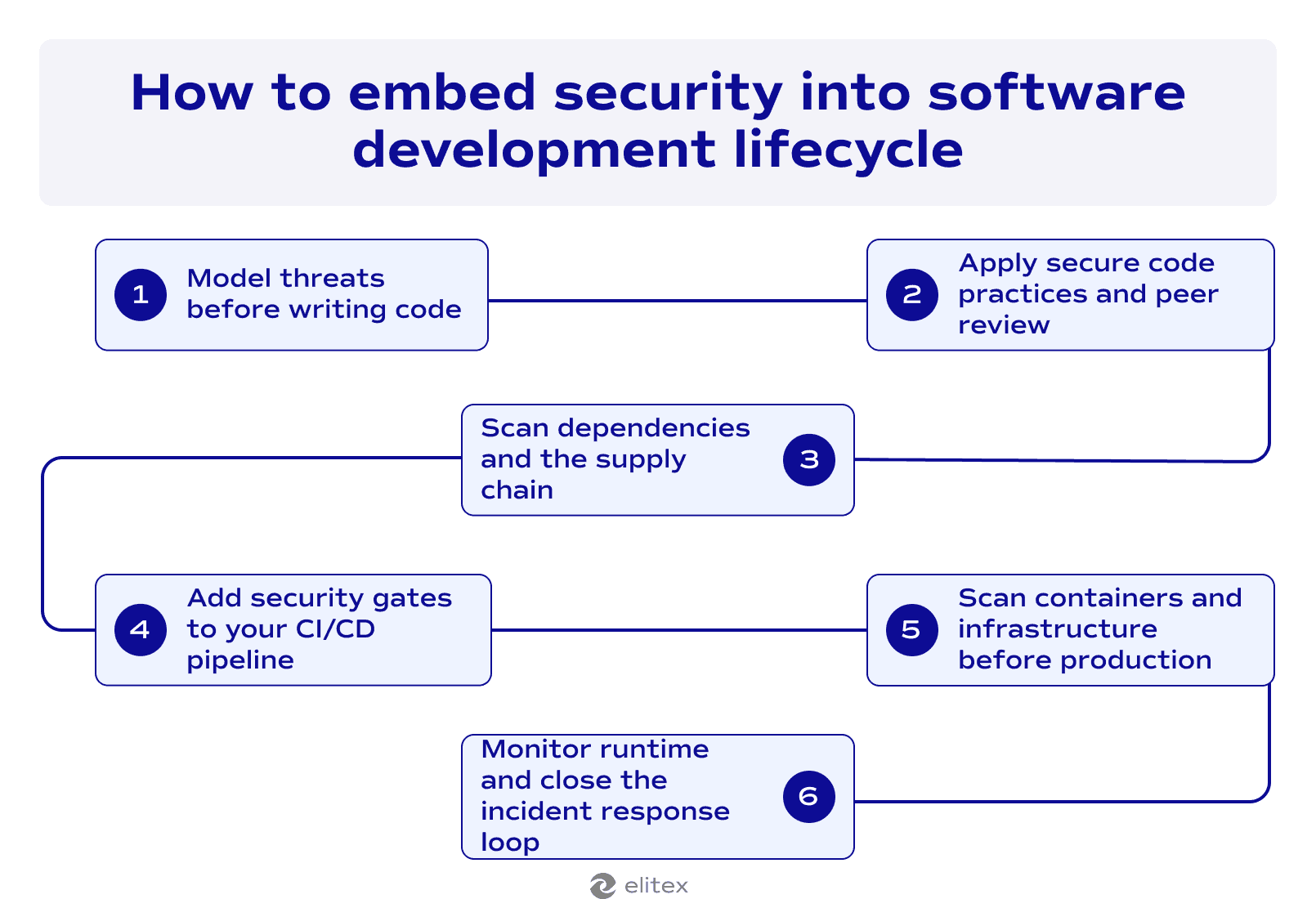
1 . Threat modeling at the design stage
Security in DevOps starts before a single line of code is written. Threat modeling at the design stage means asking which parts of the system handle sensitive data, where trust boundaries exist, and what an attacker would target first. Catching architectural risks here costs a fraction of what they cost to fix in production.
2 . Secure code practices and peer review
Developers write more secure code when security expectations are defined up front. Also, peer reviews are a useful practice. Under the DevOps paradigm, peer review should include a security lens, with reviewers checking for common weaknesses like injection points and improper error handling. Static analysis tools can automate part of this, but human review catches logic flaws that scanners miss.
3 . Dependency and supply chain checks
Most modern applications are built on open source libraries, and those libraries carry their own vulnerabilities. Software composition analysis scans dependencies against known vulnerability databases before they make it into a build. Supply chain attacks have made this step non-negotiable.
4 . Security gates in CI/CD pipelines
This is where automation takes over. SAST scans source code for vulnerabilities on every commit. DAST probes running applications for exploitable weaknesses. Secrets scanning checks that no credentials or API keys have been accidentally committed. That’s one of the best DevOps API security best practices. Together, these gates mean no build reaches the next stage without passing a defined security threshold.
5 . Container and infrastructure scanning pre-production
A clean codebase can still ship on a misconfigured base image. Container scanning checks images for known vulnerabilities before deployment, and infrastructure-as-code analysis catches misconfigurations in the environment itself. Both checks run before anything reaches production.
6 . Runtime monitoring and incident response loops
Although we were talking a lot about shift-left security, even the production stage is not the end of the security process. Runtime monitoring tracks anomalous behavior in live environments and feeds alerts back to the team. A well-defined incident response plan ensures that when something is flagged, the path from detection to containment is clear and fast. That feedback loop also informs the next design stage, closing the cycle.
6 DevOps security best practices
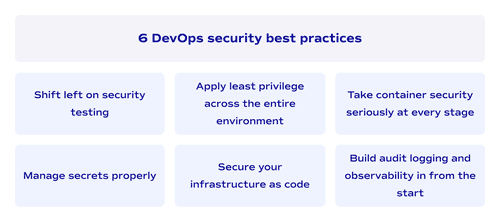
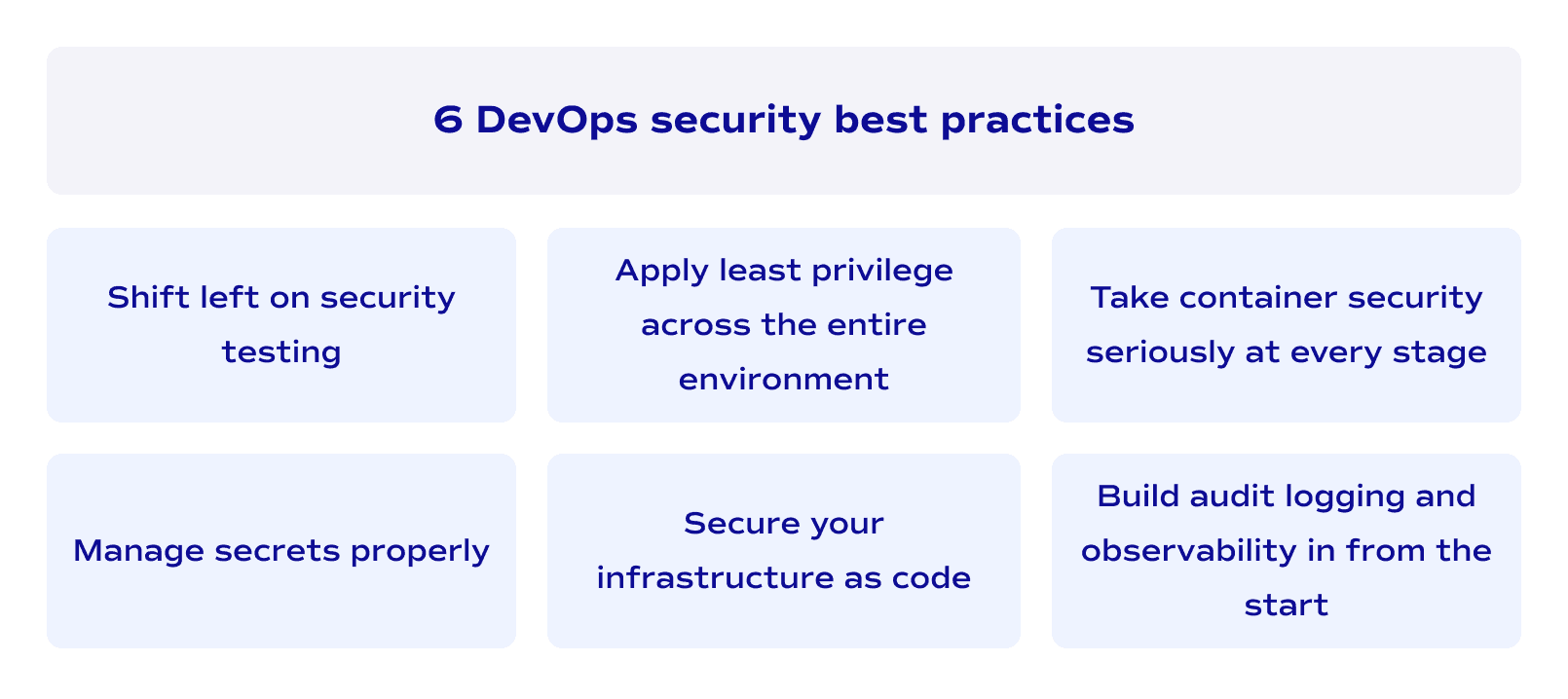
Shift-left security testing
What we were talking about a lot today is shifting security left in the pipeline. The basic principle behind it is that automated testing for security works best when it runs early. Integrating vulnerability scanning and static analysis at the beginning of the software delivery pipeline means issues are caught when fixing them is straightforward. The further a vulnerability travels down the pipeline, the more expensive it becomes to resolve.
Manage secrets properly
Hardcoded credentials are one of the most common and most avoidable vulnerabilities in DevOps environments. Store secrets in a dedicated vault, rotate them regularly, and ensure your CI/CD pipeline never exposes them in logs or environment variables.
Apply least privilege across the entire environment
Privileged access is one of the most exploited attack surfaces in cloud environments, and the fix is structural. Role-based access control ensures every service, developer, and automated process operates with only the permissions it actually needs. Security groups define what can talk to what at the network level. Multi-factor authentication protects human access points. Together, these controls mean a compromised credential doesn't automatically become a compromised system.
The principle extends beyond human accounts. Service-to-service communication inside an automated DevOps pipeline should be scoped as tightly as human access. Many teams apply strict access policies to developer accounts while leaving internal service permissions broad, and that asymmetry is where breaches tend to travel.
Secure your infrastructure as code
IaC security means treating configuration files with the same scrutiny as application code. Misconfigurations in Terraform or Kubernetes manifests can expose entire environments, and they're easy to miss in a fast-moving pipeline. Static analysis tools designed for infrastructure code catch these issues before they're applied, and peer review adds a second check that automated scanning alone won't cover.
Take container security seriously at every stage
Container security spans the full lifecycle. Base images should be minimal and scanned for known vulnerabilities before they enter the software delivery pipeline. Runtime behavior should be monitored for anomalies, and images should be rebuilt regularly rather than left to accumulate outdated dependencies. In cloud environments where containers scale dynamically, an unpatched base image can multiply its exposure faster than most teams realize.
Penetration testing against containerized workloads is worth scheduling regularly. Automated scanning catches known common vulnerabilities and exposures, but penetration testing surfaces the logic and configuration issues that scanners aren't built to find.
Build audit logging and observability in from the start
You can't respond to what you can't see. Audit logging across DevOps environments creates a record of who did what and when, which matters both for incident investigation and for compliance. DevOps observability tools surface anomalies in real time, giving security teams the signal they need to act before a minor issue becomes a significant one.
Top 3 DevOps security tools
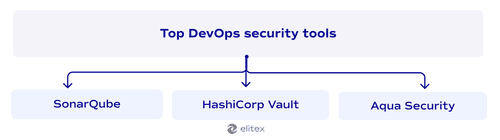
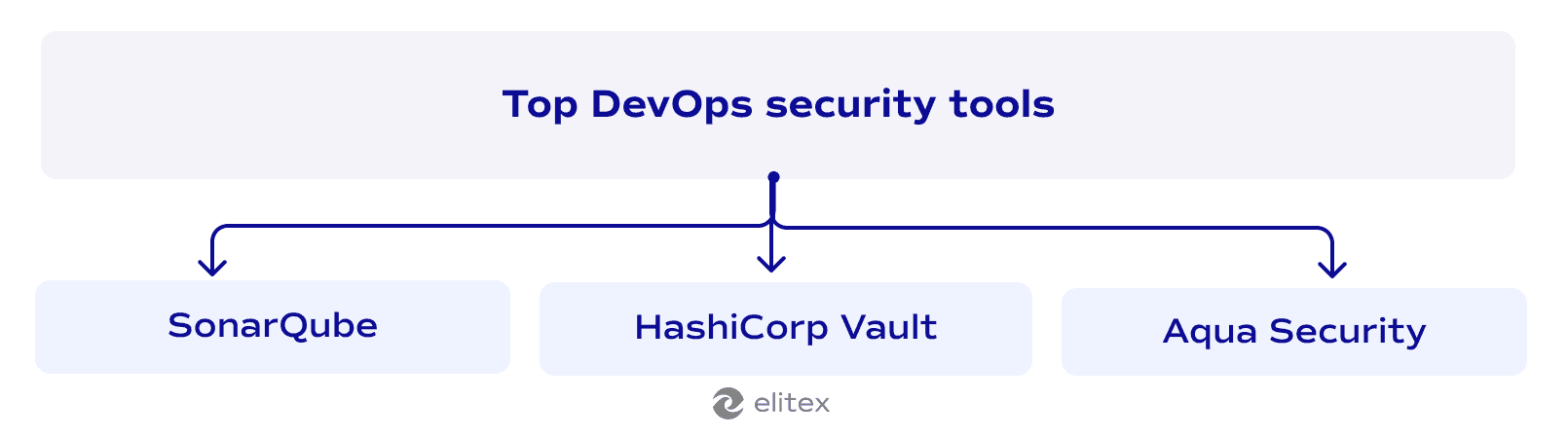
SonarQube
SonarQube is a static code analysis platform that scans source code for security vulnerabilities, bugs, and code quality issues on every commit. It fits naturally into the DevOps lifecycle by running inside CI/CD pipelines and blocking builds that fall below a defined security threshold. For teams building out DevOps security tools and coding best practices, SonarQube is often the first tool that makes security feedback visible to developers in real time, at the point where fixing an issue costs the least.
HashiCorp Vault
Vault handles secrets management: storing, rotating, and controlling access to credentials, API keys, and certificates across dynamic cloud environments. It directly supports DevOps data security best practices by ensuring sensitive values are never hardcoded into repositories or exposed in pipeline logs. Access to secrets is governed by policy, audited on every request, and scoped to the specific service that needs them.
Aqua Security
Aqua Security focuses on container and cloud-native workloads across the full DevOps lifecycle, from image scanning at build time to runtime threat detection in production. It scans container images against known vulnerability databases before deployment, enforces policies on what images are allowed to run, and monitors live containers for anomalous behavior. For teams running large containerized environments, Aqua bridges the gap between pre-production scanning and production observability, two areas that are often handled by separate tools with no shared context between them. That continuity matters when an incident requires understanding exactly which image version was running and what it was doing at the time.
Also, read our article about the top DevOps automation tools.
DevOps security challenges and how to overcome them
| Challenge | Why it happens | How to overcome it |
| Security slows down delivery | Security checks added as manual gates create bottlenecks in fast-moving pipelines | Replace manual reviews with DevOps-based automated security testing integrated directly into CI/CD. Automated gates run at pipeline speed and don't require human intervention for routine checks |
| Developers don't own security | Security is treated as someone else's problem, so vulnerabilities accumulate in code repositories without anyone flagging them | Embed security tooling in the developer workflow. When scan results appear in the same environment where code is written, security practices become part of daily work rather than a handoff |
| Secrets leak through pipelines | Credentials and API keys get hardcoded into code repositories or exposed in pipeline logs during fast-paced development cycles | Use dedicated secrets vaults and enforce secrets scanning at every commit. Make hardcoded credentials a build-blocking condition, not a post-merge finding |
| Inconsistent environments create blind spots | Dev, staging, and production environments drift apart, meaning a configuration that passes security checks in one environment fails silently in another | Enforce infrastructure as code across all environments and apply DevOps security best practices at the infrastructure level, so every environment is defined by the same auditable configuration |
| Toolchain sprawl produces noise | Too many disconnected security tools generate overlapping alerts that security teams can't realistically triage | Consolidate around tools that cover multiple pipeline stages and feed into a single observability layer. Fewer, better-integrated tools produce a cleaner signal |
| Compliance and regulatory requirements | Regulated industries like fintech and healthcare require documented evidence of security controls, which is difficult to produce when security is handled manually and inconsistently | Apply policy as code to define compliance requirements as enforceable rules that run automatically across the pipeline. Audit trails are generated as a byproduct of the pipeline itself, rather than being assembled manually before an audit |
That last point on compliance deserves its own section. Regulatory requirements don't sit outside the security conversation — they shape it, particularly for the industries ELITEX works with most closely.
Compliance and regulatory considerations
Regulated industries operate under frameworks like SOC 2 Type II, HIPAA, ISO 27001, and PCI DSS, each of which requires documented evidence that security controls are in place and consistently applied. The problem with manual compliance processes is that they don't scale in fast-moving pipelines. DevOps security integration best practices solve this by treating compliance as a continuous process rather than a periodic audit. Policy as code translates regulatory compliance requirements into automated rules that run on every deployment, and the pipeline generates the audit trail as a byproduct.
Healthcare is a particularly demanding environment for this, given how tightly HIPAA governs data handling and how fast DevOps teams in that space tend to move. We cover that intersection in detail in our dedicated article on automating healthcare compliance with DevOps. The broader principle holds across industries: compliance handled at the pipeline level is cheaper, more consistent, and far less painful than compliance assembled manually before an auditor arrives.
Enhance your security posture with ELITEX
Security gaps in DevOps pipelines rarely come from a lack of awareness. They come from implementation: the wrong tool in the wrong place, a policy that exists on paper but not in the pipeline, or a team that inherited an environment nobody fully understands. ELITEX works with startups and mid-sized companies to fix exactly that, through DevOps consulting services that assess your current security posture and identify where the real exposure sits, and DevOps infrastructure automation services that embed the right controls at the right stages. If your pipeline has grown faster than your security has, that's a good place to start the conversation.
FAQs
What are the best practices for DevOps security?
The most impactful ones are shift-left testing, secrets management, least privilege access, IaC security, and continuous monitoring. The common thread is DevOps automation: manual security checks don't scale in fast-moving pipelines, so the goal is to embed controls at every stage rather than concentrate them at the end.
What do DevOps security monitoring best practices look like in production?
Effective monitoring combines real-time anomaly detection, centralized audit logging, and clearly defined incident response paths. The point is not just to collect data but to act on it fast. Teams that monitor well know exactly what normal looks like, so abnormal behavior surfaces quickly.
What are DevOps cloud security best practices for teams running multi-cloud environments?
Start with consistent identity and access management across all environments, enforce infrastructure as code so configurations don't drift, and apply the same vulnerability scanning and policy checks regardless of which cloud the workload runs on. Multi-cloud complexity doesn't justify inconsistent security standards.
What are the best practices for serverless security in DevOps?
Serverless functions reduce infrastructure overhead but introduce their own risks. Each function should follow least privilege principles with tightly scoped permissions. Dependencies need regular scanning since serverless environments can accumulate vulnerable packages quickly. Input validation matters more here because serverless functions are often exposed directly to external events.
How does DevOps differ from DevSecOps in practice?
DevOps integrates development and operations. DevSecOps adds security as a third discipline with equal standing. The structural difference is that security controls move from a pre-release gate into the pipeline itself, which means every team member carries some security responsibility rather than passing it to a dedicated team at the end of the cycle.
POSTED IN: