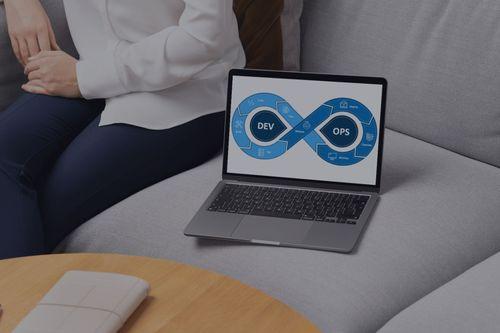
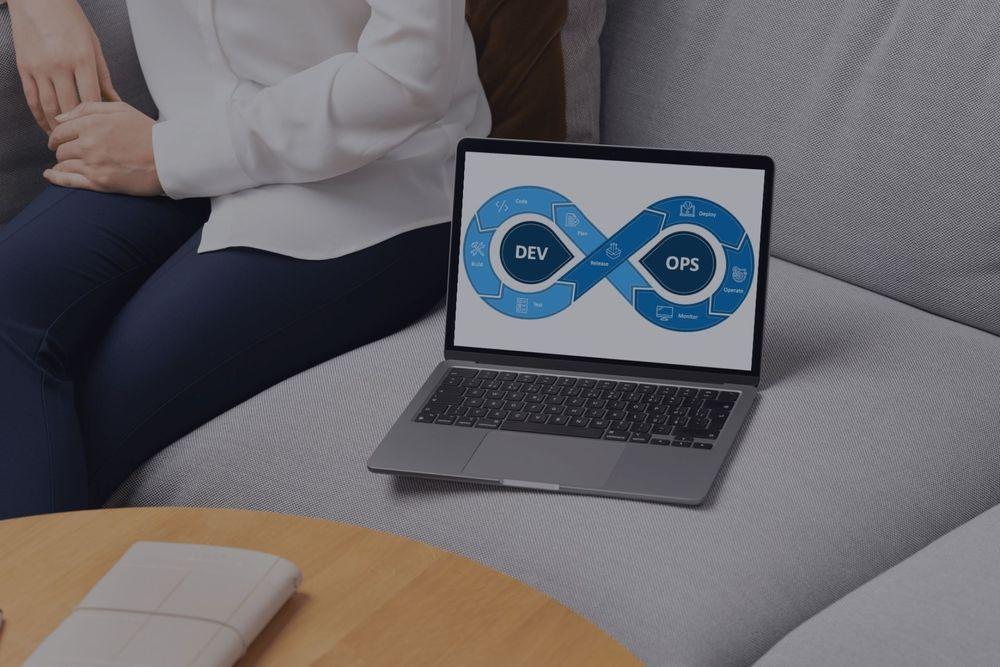


One core belief about DevOps is that the DevOps teams move extremely fast. And for the most part, this is true. Product teams are able to achieve this fast pace by following a well-defined DevOps lifecycle that thoroughly covers every stage of the software development process. Such an approach to software development offers a wide range of benefits, from eliminating silos between development and operations teams (the very essence of DevOps benefits) to significantly reducing time to market and eventually delivering higher-quality software with fewer bugs
Businesses have always been looking for speed and reliability. Especially now, in the digital era, where customers' expectations shift overnight, these needs become more about survival than advantage. For over a decade, DevOps lifecycles have what to offer to this very demand: they offer both speed and reliability to various businesses across a multitude of industries and economic domains. Everything is due to automated testing, continuous integration, continuous deployment, rapid feedback loops, and several additional techniques designed to make the lives of software engineers easier (we will discuss them today). As a result, a skilled DevOps automation service provider can cut deployment time from weeks to hours, delivering not only speed and reliability but also significant cost savings.
Teams that master the DevOps lifecycle gain a major advantage over competitors that still use outdated development methods. But leveraging these benefits may be more challenging than it seems from first glance. The very first step towards it is a deep understanding of the entire process and each particular step of DevOps workflows. And we’ll help you nail it with today’s article. This guide walks you through building more efficient processes that deliver real results by explaining the DevOps lifecycle in detail without unnecessary tech jargon. So, ready to transform your development speed? Let’s dive in!
What is the DevOps lifecycle?
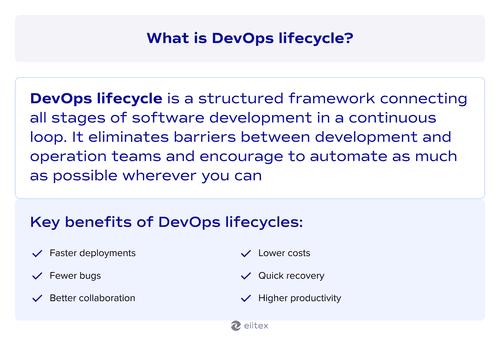
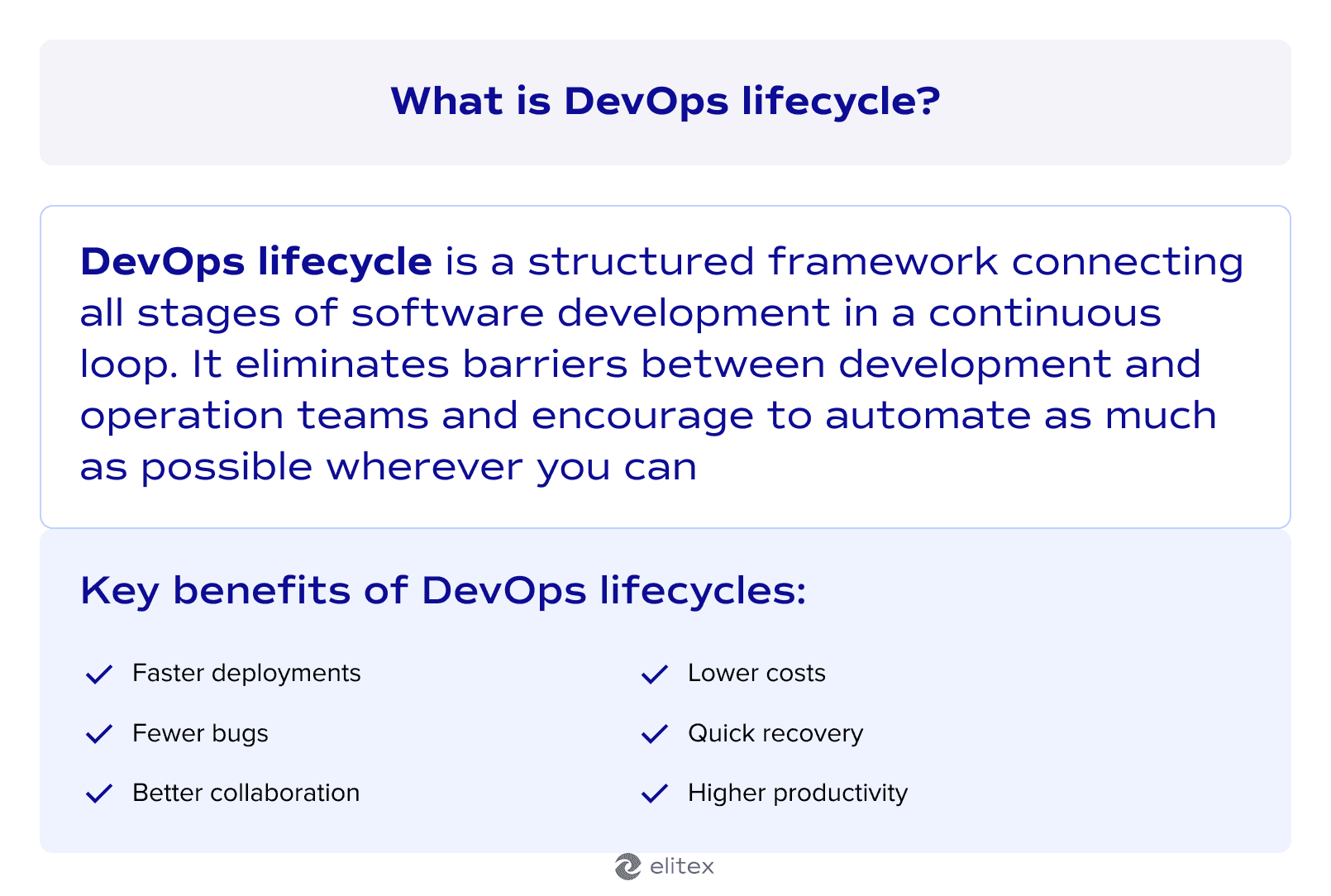
DevOps lifecycle is a structured framework that guides the entire software development process from planning to deployment and monitoring. It builds the processes around DevOps culture, which promotes collaboration between teams, automated workflows, continuous feedback, and rapid iteration (read more details about it in our guide on DevOps automation). Teams that adopted the paradigm of DevOps lifecycles typically experience faster incident recovery, improved developer productivity, better system visibility, and fewer rollbacks to previous versions.
Key phases of the DevOps lifecycle
There are several ways to split the DevOps lifecycle into phases. For our article, we will use a schema that consists of 6 parts (you can find alternative DevOps lifecycle diagrams, ones dividing everything into 5, 6, 7, 8, or 9 parts).
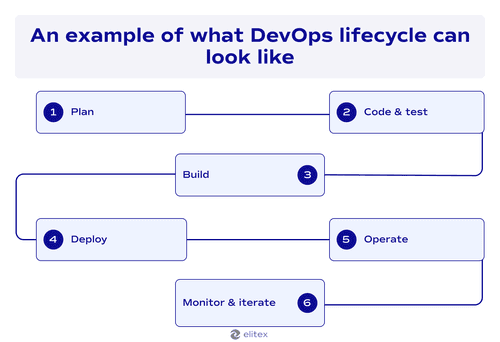
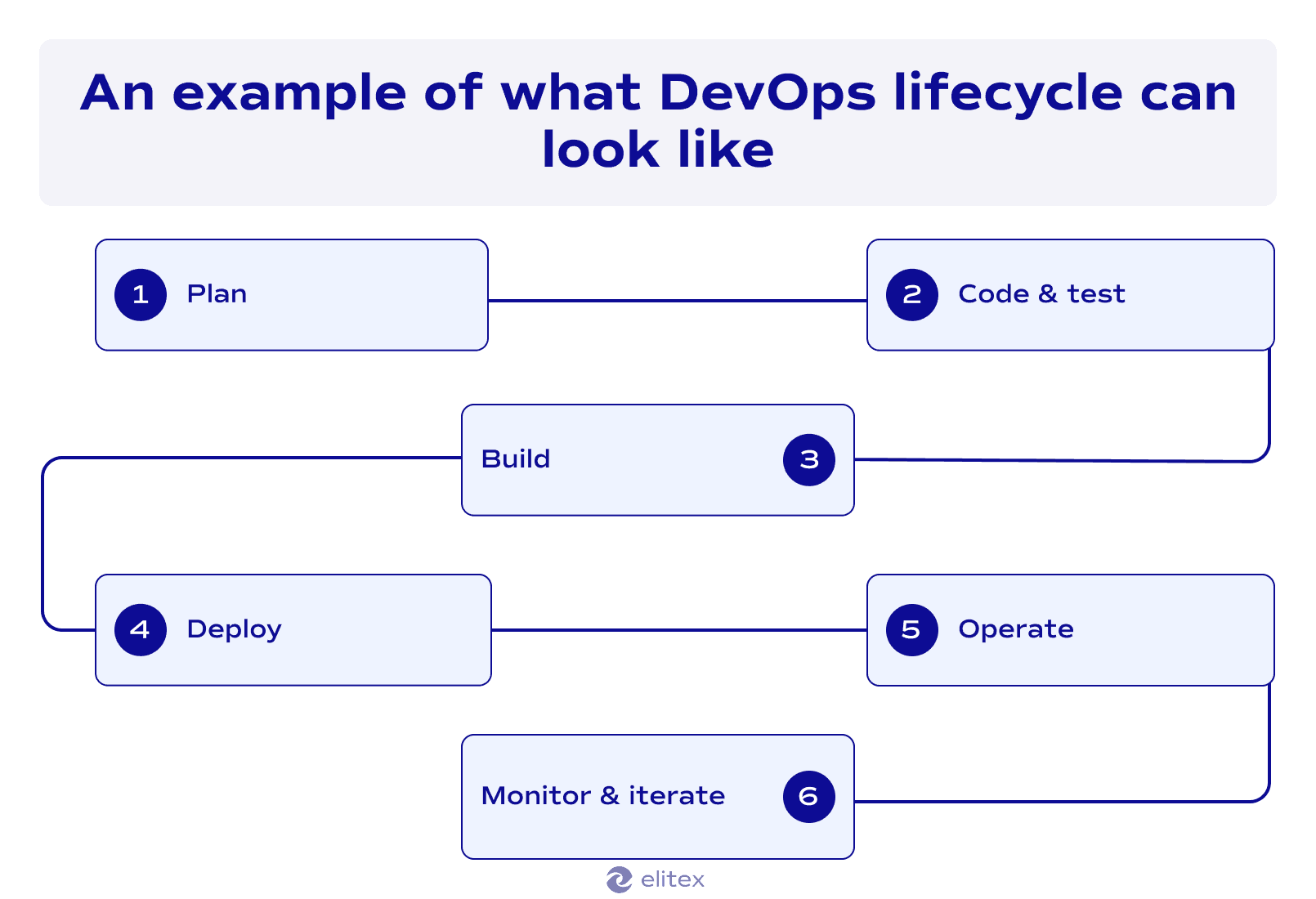
Plan
The planning phase sets the foundation for everything that follows in the DevOps cycle. However, the planning stage under the DevOps paradigm differs from planning with traditional approaches. In contrast to traditional approaches to the development lifecycle, DevOps-based planning involves both development and operations teams in the planning process from the very beginning of the project.
In the DevOps lifecycle, planning typically begins with project managers bringing everyone to the table: developers, ops staff, security teams, and business stakeholders. They work together to turn business ideas into clear project goals that actually make sense for both building and running the software. This joint project planning approach catches problems early. Also, such a cross-team collaboration eliminates a typical planning issue, where development teams create something operations can’t deploy in practice. Here, with DevOps, we have both sides shaping the plan together from day one.
Just as with any development approach, the depth of planning matters. Successful projects tackle deployment strategies, infrastructure needs, monitoring requirements, and automation opportunities right from the planning phase. Teams that wait until later often face costly reworks and delays. In addition to this, in 2026, teams have a wide range of planning tools that make progress tracking easier than ever before. These tools show real-time analytics into project progress, team performance, resource allocation, and potential bottlenecks. The result? Projects that move smoothly throughout the development lifecycle with fewer surprises, faster delivery times, and teams that actually work together instead of against each other.
Code & test
We combined code and test in our DevOps workflow diagram into a unified phase because they work best together, not apart. Traditional development treated them as separate phases, where you first code everything, then you test everything. But from our practice, as a custom software development company with a decade of experience, in real-world scenarios, this approach creates massive bottlenecks.
In the traditional software development lifecycle, bugs piled up for weeks before anyone caught them. DevOps flips this approach. In the DevOps lifecycle, developers write code and test simultaneously. Every new feature gets tested immediately. This catches problems when they’re small and cheap to fix. Waiting with testing until the end means expensive rewrites and frustrated teams, but adopting an approach where coding and testing are two simultaneous processes helps you avoid this headache.
Here’s how it typically works in real-world scenarios. Developers write application code and immediately create unit tests for each function. Code reviews happen automatically when someone pushes new code. Integration tests run every few minutes to check if different parts still work together. This constant testing approach keeps code quality high without slowing anyone down. From our practice, product teams using this approach ship high-quality software faster, as the testing stage doesn’t require dedicated days or even weeks.
Build
The next development phase, building, takes tested code and turns it into something operations teams can actually deploy. The traditional development approach involves building software manually, which means different results every time and tons of human errors. DevOps practices change the game with automated build systems that deliver identical results every time. When developers commit new code, build servers spring into action. They grab the latest changes, compile everything, and package it for deployment. What used to take hours now happens in minutes. Build automation catches configuration problems and dependency issues before they reach production. With DevOps, teams get consistent, reliable builds without running manual scripts.
Deploy
During the 4th, deployment phase, the tested and built code goes live for actual users to access. Traditional deployment processes require manual steps and cause downtime, but here, the adoption of DevOps practices also changes a lot. DevOps methodology turns deployment into a continuous process that happens automatically and safely in the background. In the modern DevOps lifecycle, this phase typically consist of three elements:
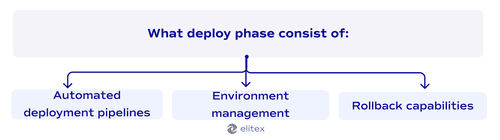
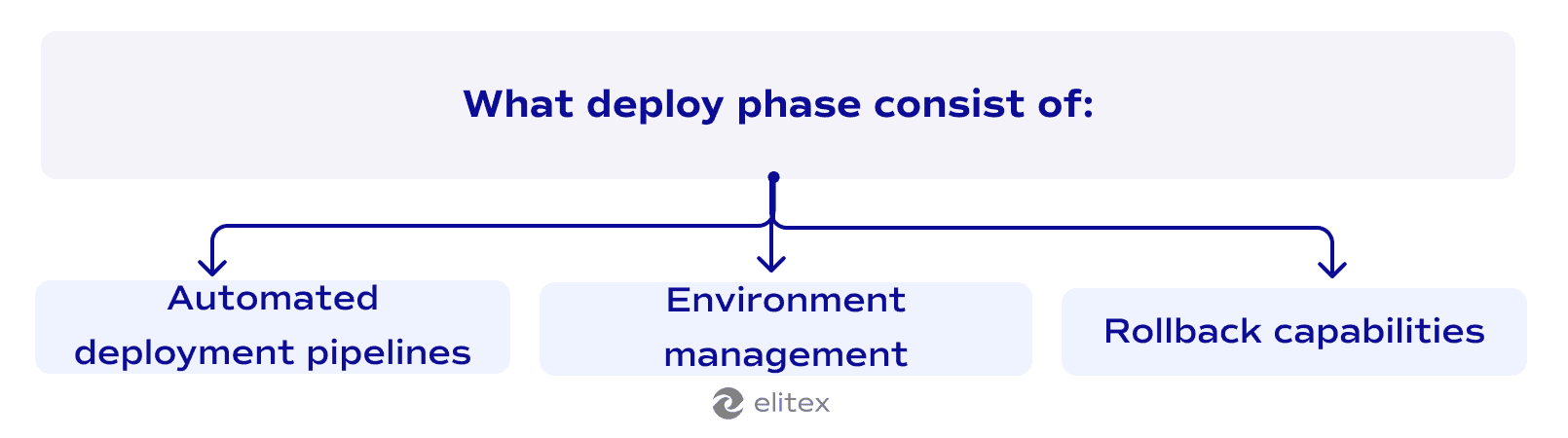
- Automated deployment pipelines: Scripts and tools that automatically move code from development to production;
- Environment management: Coordinated promotion of code through staging, testing, and production environments with identical configuration;
- Rollback capabilities: Instant ability to revert to previous versions when issues arise during or after deployment.
Operate
The operating step keeps the deployed software running smoothly in production. Traditional operations phases meant waiting for problems to happen, then scrambling to fix them. But the evolution of DevOps also changed the game here. Now, operations teams work proactively instead of reactively. In 2026, their routine consists of monitoring systems in real-time and catching issues before users notice them, while resources are auto-scaling in the background.
The ultimate goal of modern operations is automation and stability. Modern approaches, such as IaC and DevOps infrastructure management services, treat servers through scripts instead of manual clicks. Auto-scaling handles traffic spikes. Modern DevOps monitoring tools send alerts the moment something goes wrong. In 2026, operations teams spend less time fighting fires and more time improving systems. This approach keeps modern applications running 99.9% of the time.
Monitor & iterate
The monitor & iterate step closes the loop in our DevOps lifecycle phases. Under the DevOps paradigm, teams collect real-time data about how the software performs in production: user behavior, system performance, error rates, and business metrics all get tracked continuously. Traditional teams waited months for feedback, while DevOps teams get feedback in minutes. With the help of modern DevOps automation tools, specialists receive data that clearly tells them what’s working and what isn’t.
The iterative approach, used in DevOps by default, uses monitoring data to improve the next development cycle. Performance issues become optimization tasks. User complaints become feature requests. Security alerts become hardening priorities. Teams adopting the DevOps lifecycle take this feedback straight back to the planning phase, creating a continuous improvement loop. These constant iterations mean software gets better with every release, which is why companies using this approach stay ahead of competitors who still work in isolation.
Continuous everything: The DevOps Way
DevOps lifecycle endorses continuity in everything. Traditional development worked in bug batches: code for months, test for weeks, deploy once. DevOps breaks this pattern with continuous practices that keep everything flowing:
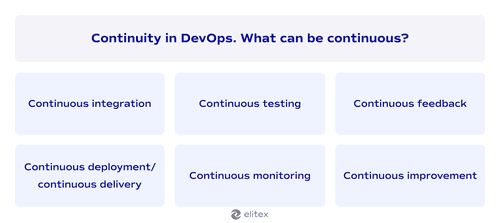
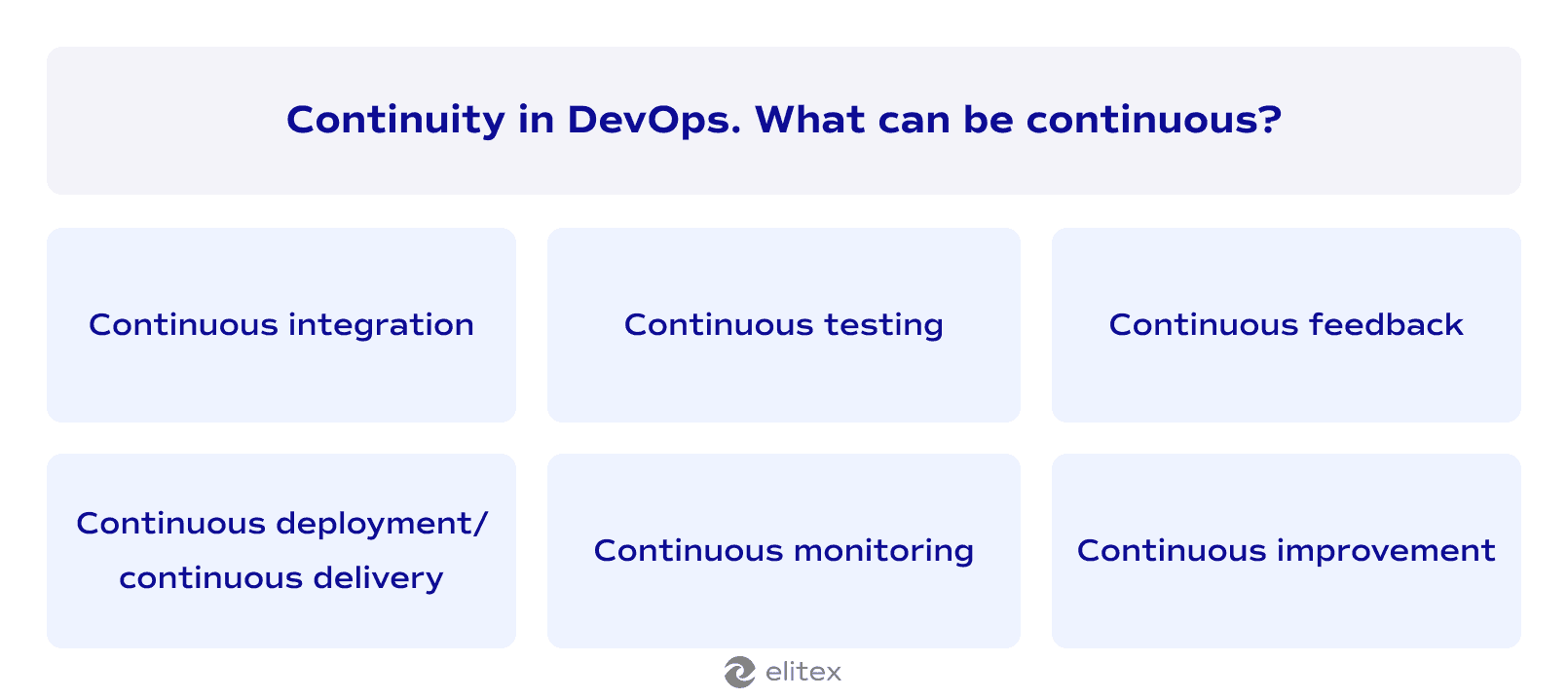
- Continuous integration: Code gets merged and tested constantly. Developers commit changes multiple times daily instead of waiting weeks.
- Continuous delivery/continuous deployment: Manual deployment processes become obsolete. Software releases happen automatically without human intervention. Code that passes all tests gets deployed immediately to production. As mentioned above, in DevOps steps, this approach eliminates bottlenecks and reduces deployment risks. If everything done right, teams ship features the same day they’re completed.
- Continuous testing: Quality checks run non-stop throughout development without waiting for dedicated testing phases.
- Continuous monitoring: Real-time tracking of system health and performance happens across the DevOps lifecycle. Alerts trigger instantly when issues arise. Teams catch problems before users experience them.
- Continuous feedback: Instant data flow from users back to development teams. User behavior and system performance inform the next development cycle.
- Continuous improvement: Regular optimization based on monitoring data and feedback. Product teams analyze what works and what doesn’t after every release. Small improvements compound over time into major competitive advantages. This creates a culture where teams constantly evolve instead of staying static.
Best practices for DevOps lifecycle success
Here are several versatile practices that worked with literally every our client:
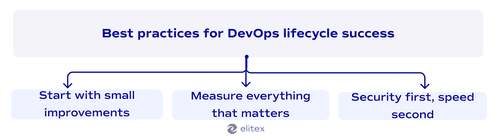
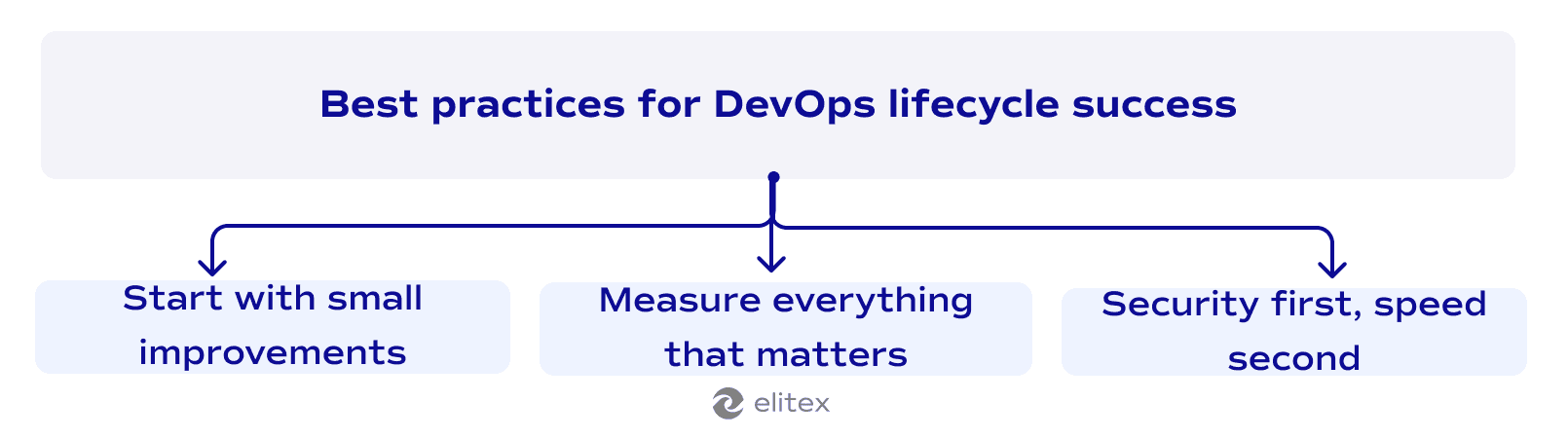
Don’t try to change everything overnight. Pick one simple DevOps process and nail it first. Maybe start with automated testing or a basic continuous delivery pipeline. Once your team gets comfortable, expand to more complex stuff. Companies that go all-in from day one usually burn out their teams and create more chaos than efficiency.
Measure everything that matters
Track deployment frequency, failure rates, recovery times, and team velocity. Numbers don’t lie about what’s working in your DevOps transformation journey. Most businesses guess at performance, and that’s a big mistake. Set up dashboards that show real data about software updates, team productivity, and system reliability. When you can see the problems clearly in a measurable way, the way to fix them becomes obvious.
Security first, speed second
Fast deployments mean nothing if you’re shipping vulnerable code. Build security checks into your DevOps pipeline so every release produces secure software by default (you can read more about security in our comparison of DevOps and DevSecOps). Security-first approach prevents those nightmare scenarios where you discover security holes after launch. Security as an afterthought costs way more than security as a foundation (we’ll return to this in the next section).
Challenges in the DevOps lifecycle
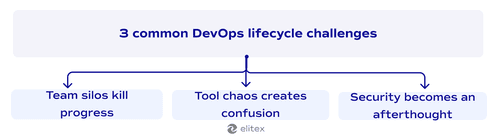
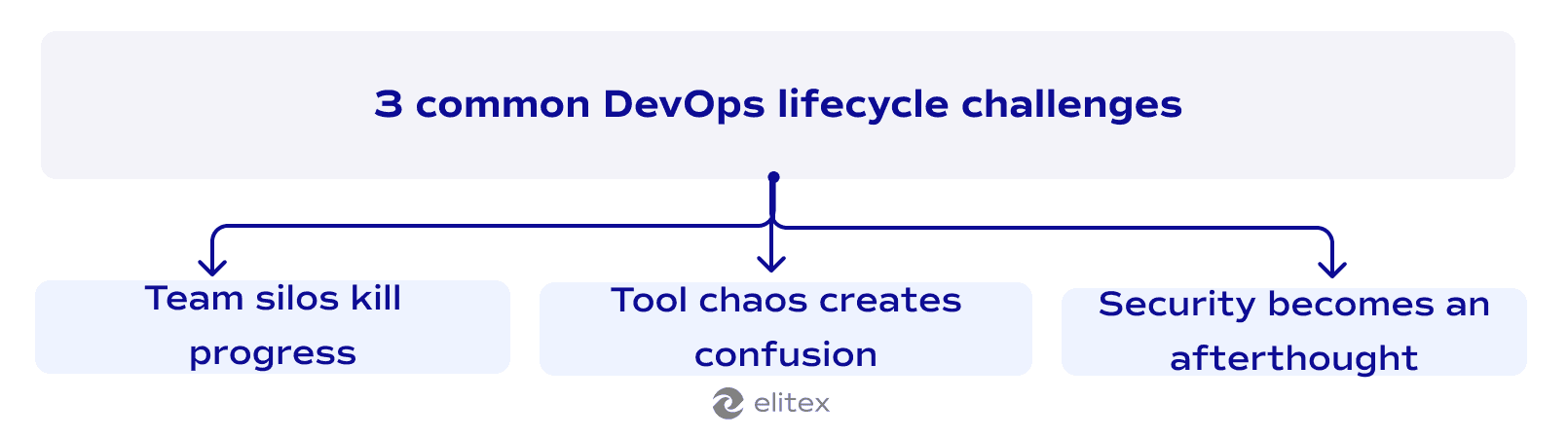
DevOps sounds amazing on paper, but real implementation hits roadblocks fast. From our practice, many companies face similar obstacles when shifting from traditional development to the DevOps lifecycle. Here are the three biggest challenges that trip up most teams and simple tips on how to avoid them:
Team silos kill progress
Development and operations teams often resist working together, especially in traditional companies with a long history of presence in the market. People protect their turf and blame other departments when things go wrong. So, in case you’re facing something similar to this, start with small wins: joint lunch meetings, shared success metrics, or cross-team shadowing days. Try to build a culture of collaboration through shared goals and regular face-to-face interactions that break down the “us versus them” mentality.
Tool chaos creates confusion
There are plenty of DevOps lifecycle tools nowadays, and it may add additional confusion. Often, it results in a situation where teams collect dozens of different popular tools across DevOps phases without thinking about integration. Developers use one set of tools, ops uses another, and nothing talks to each other. Standardize on unified platforms that cover multiple phases and ensure your tools integrate with everything else.
Security becomes an afterthought
We already covered this issue in our best practices section, but security is such a critical factor that we decided to emphasize it once more. Fast-moving teams sometimes skip security reviews to meet deadlines, creating vulnerabilities that cost millions later. Security teams get bypassed while development teams rush to ship features. In order to harden the security of your software, integrate security tools directly into your development pipeline and establish security standards that can’t be bypassed. Automate security scanning so it happens automatically, not when someone remembers to run it.
How to automate DevOps processes for your business with ELITEX?
Thinking about implementing DevOps, but don’t have the right team? ELITEX strengthens existing product teams with experienced DevOps specialists who know how to automate and enhance the entire DevOps lifecycle. We’ve spent a decade helping software projects across dozens of industries and economic domains—from startups to multinational enterprises.
Here’s what makes us different: we combine technical excellence with cost-efficient rates that won’t break your budget. No bureaucracy, no endless meetings, just honest and transparent communication about what your business actually needs. Our specialists integrate directly with your team, bringing automation expertise without the overhead of traditional consulting firms.
Whether you need help with building your first CI/CD pipeline, infrastructure automation, or monitoring setup, we provide the right people at the right time. Your team keeps ownership while our experts handle the heavy lifting of DevOps services implementation.

FAQ
What are the main DevOps lifecycle phases?
In our opinion, the DevOps lifecycle consists of six key stages: plan, code & test, build, deploy, operate, and monitor & iterate. Each DevOps lifecycle phase connects to the next, creating a continuous loop that speeds up delivery while maintaining quality.
What DevOps lifecycle tools do teams need?
Essential DevOps lifecycle tools include version control systems, automated testing platforms, tools for CI/CD pipelines, monitoring solutions, and deployment automation software. The key is choosing tools that integrate well across all DevOps stages. Read more about DevOps tools in our dedicated article.
How does DevOps improve user experience?
DevOps improves user experience through faster bug fixes, more frequent feature releases, and better system reliability. Continuous monitoring catches issues before users notice them, while rapid deployment cycles deliver improvements quickly.
Can I customize a DevOps lifecycle diagram for my business?
Yes, DevOps diagrams can be adapted to your specific needs. While the core phases remain more or less consistent (plan, code, test, build, deploy, operate, monitor, iterate), you still can modify this diagram as you want. If you want, you can take the DevOps process diagram from our article and modify it according to your specific business requirements.
How long does it take to implement the complete DevOps lifecycle?
Implementation time varies by team size and project complexity. Most businesses see initial results within 3-6 months when starting with basic automation in certain stages of the DevOps lifecycle. Full DevOps lifecycle maturity typically takes 12-18 months with proper planning and tool integration.
POSTED IN: