



- TL;DR: In this article, we cover cloud migration for small businesses, showing real implementations at Matouk, AMAG Pharmaceuticals, and our own fintech client with verified cost reductions reaching 90%.
- Definition: Cloud migration is moving business operations from local servers to remote infrastructure managed by providers like AWS or Azure. We explain 4 migration approaches: public cloud, private cloud, hybrid, and multi-cloud.
- Here we discuss the key benefits, including immediate cost efficiency, simplified remote access management, and strengthened business continuity.
- In this article, we provide a 6-step migration checklist so you can prepare the cloud migration process on your own.
- Also, we talk about common challenges, mitigation strategies, and best practices of cloud migration for small companies with no cloud experience.
- Additionally, we explain what happens after migration, emphasizing that the first 3 months reveal actual requirements versus initial estimates, with most small businesses discovering they can scale down resources and reduce spending.
Cloud migration for a small business may feel somewhat overwhelming when you’re running dozens of daily operations. Downtime means lost revenue, and most small companies don’t have dedicated IT teams to prevent it. So you’re stuck learning technical requirements on your own while trying to keep the business running. Provider comparisons become another task on an already full plate. Feel yourself familiar with this situation?
We have a solution, here at ELITEX. Our DevOps automation services and solutions have already helped dozens of small businesses move to the cloud. The pattern is always the same: business owners know they need cloud infrastructure, but don’t know where to start. That’s why we created this guide. It breaks down the actual steps you’ll take and gives you a checklist to follow. So, without any further ado, let’s go!
What is cloud migration?
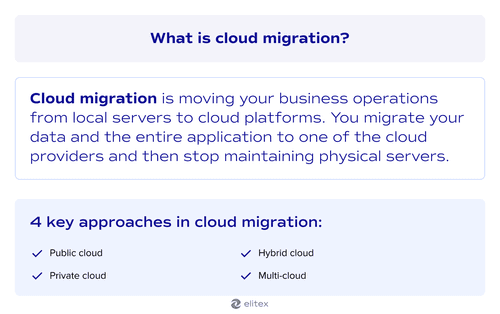
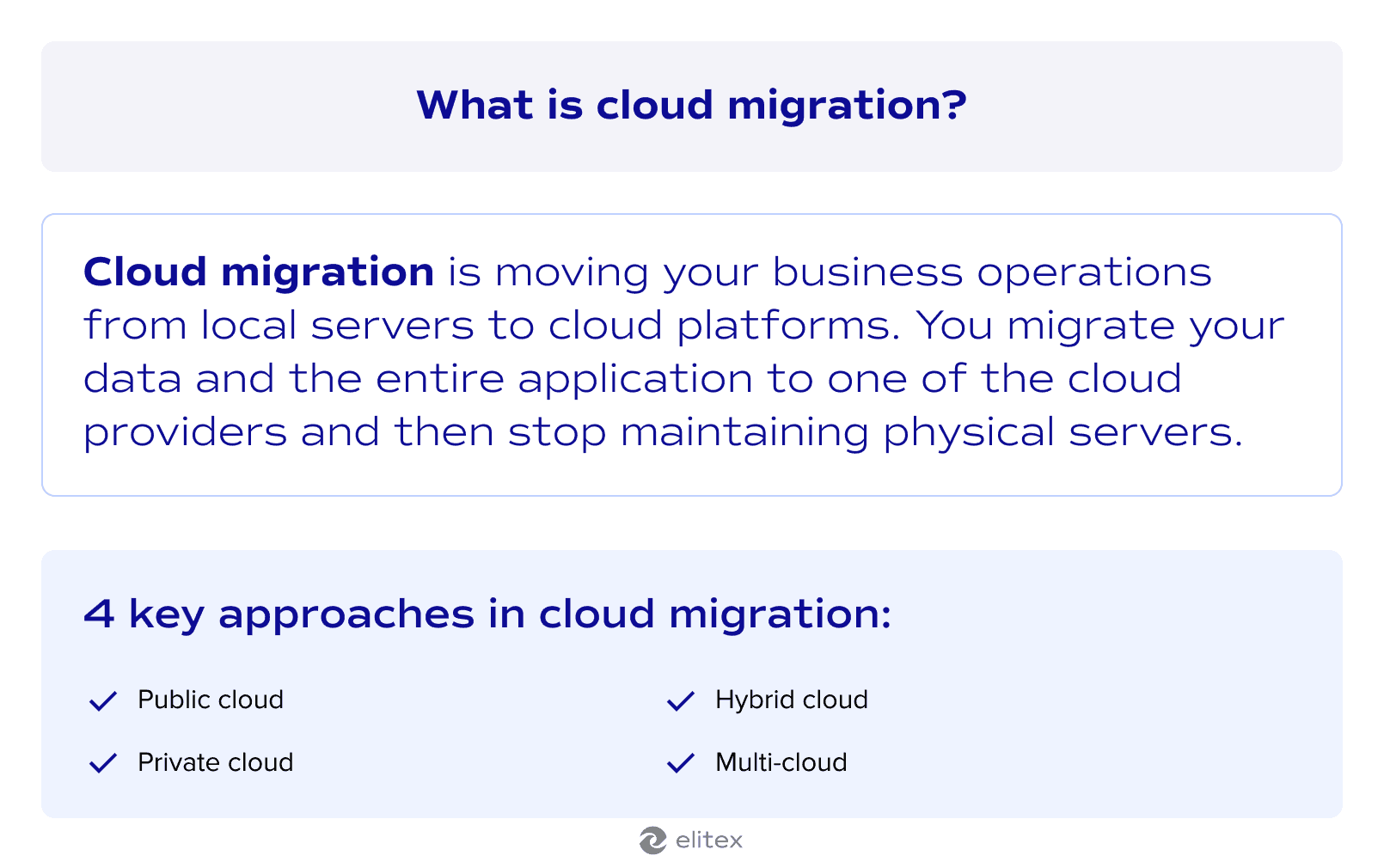
Cloud migration is moving your business operations from local servers to cloud platforms. The process centers on data migration, which often practically means transferring databases to remote infrastructure managed by providers, such as AWS, Google Cloud, or Microsoft Azure. Applications follow once the underlying data is positioned securely. In the scenario of complete migration, you stop maintaining physical servers and access everything through the internet instead of keeping physical servers.
Types of cloud migration for small businesses
Small businesses typically choose one out of these 4 migration approaches:
- Migration to a public cloud moves everything to shared infrastructure from one of the major providers mentioned above. You rent computing power without buying servers.
- Migration to a private cloud keeps data on dedicated infrastructure. You still use “cloud,” but you don’t share the machine with other businesses. Here, costs run higher, but you control all security configurations.
- Hybrid cloud approach splits operations between local servers and remote platforms. Sensitive data stays on-premise while routine tasks move to the cloud.
- Multi-cloud approach distributes workloads across different cloud providers. Email might run through Google while your main application lives on AWS.
From our decade-long practice, most small businesses start with the public cloud. The cost barrier is lower without hardware purchases. However, your choice also depends on budget constraints and compliance requirements. Healthcare companies, for instance, often need a private cloud because HIPAA regulations require infrastructure control. Standard business operations for retail or e-Commerce work fine on public cloud from providers like AWS or Google. The real decision point for small businesses often comes down to whether regulations force you to own the infrastructure.
Also, read our article about how to automate compliance in the healthcare industry with DevOps.
Why should businesses move to the cloud: Key benefits of cloud migration for small businesses
Public cloud works for most small businesses that aren’t subject to severe compliance requirements. But what actually changes when you make the move? The benefits become visible quickly once your systems are running in the cloud.
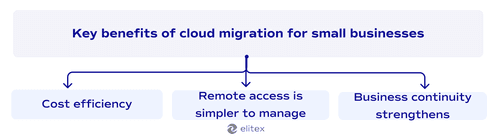
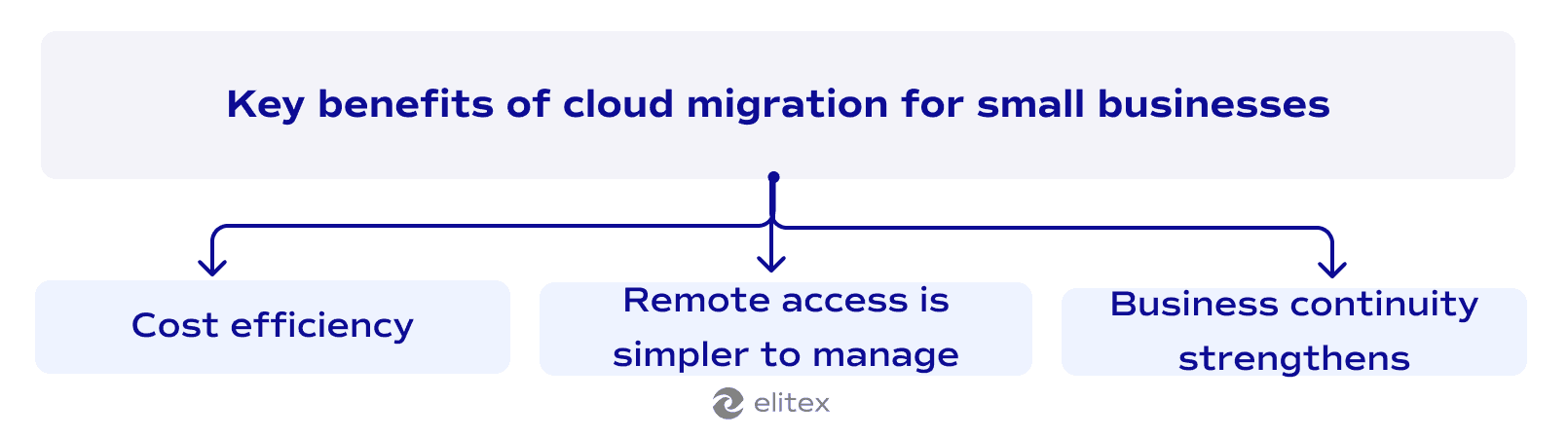
- Cost efficiency improves immediately. You stop paying for the IT infrastructure you own and maintain. First, monthly cloud bills replace upfront hardware costs. Second and unobvious nuance: cloud expenses often prove cheaper in terms of month-by-month bills.
- Remote access becomes simpler to manage. Cloud platforms handle all the connectivity infrastructure. You don’t need to maintain VPN servers or worry about your office internet connection failing when employees work remotely.
- Business continuity strengthens through automatic backups. Cloud providers replicate your data across multiple locations. Server failures don’t bring your business down.
Accessing organizational readiness before cloud migration
How do you know when to migrate? First of all, if you’ve read this far into the article, it’s probably the time:)
The decision to move server to cloud becomes obvious when your physical infrastructure costs more to maintain than cloud alternatives. Server crashes that halt business operations for hours make the case even stronger. Your readiness shows when the current setup limits growth more than it enables it.
Also read about cloud-native DevOps.
Cloud migration checklist for small business: Steps to a successful migration
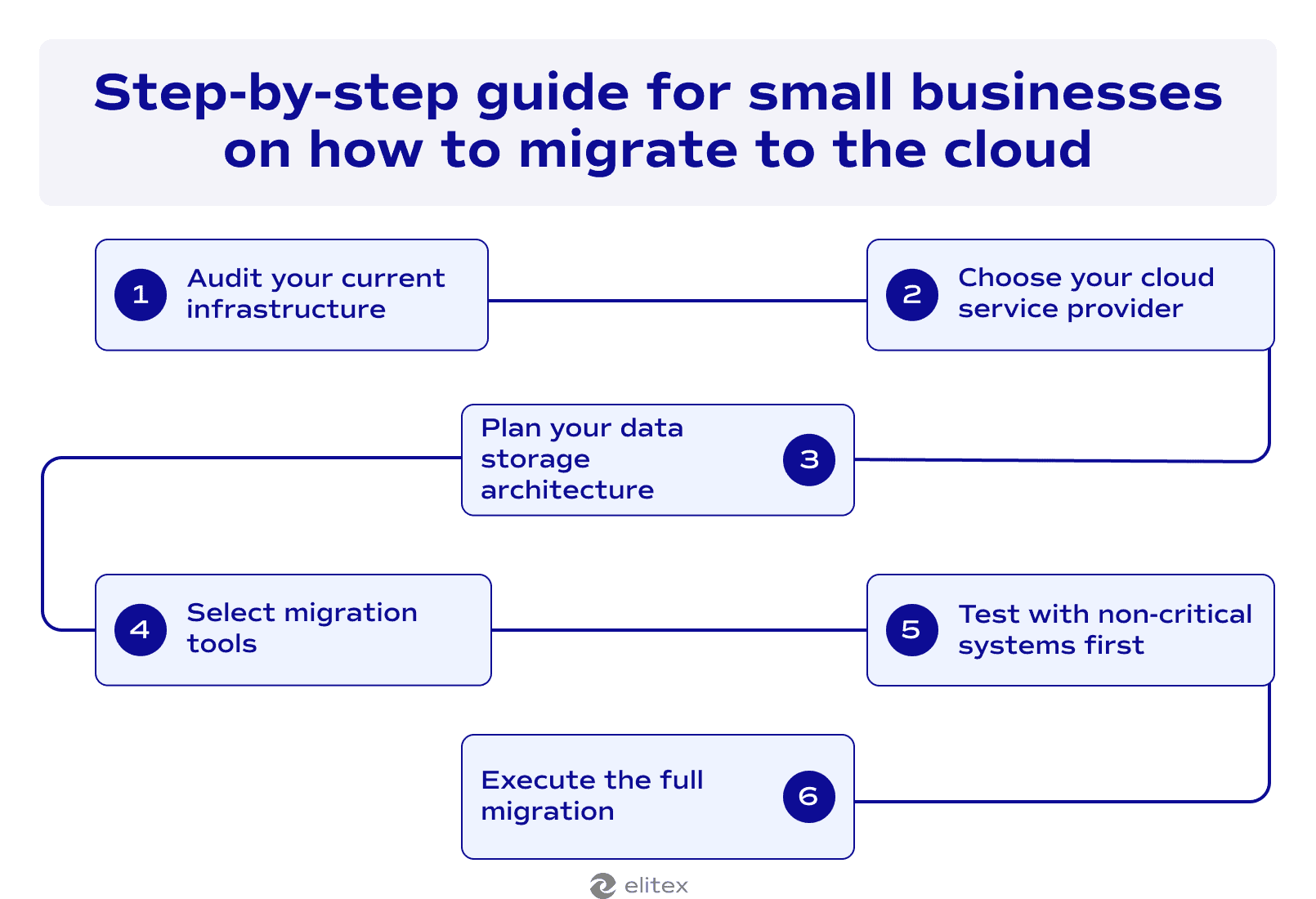
Step 1: Audit your current infrastructure
Use cloud migration roadmap. Start with documenting every application running on your systems. Map out dependencies between different services to understand what connects to what. Identify which databases hold critical business data. This inventory shows exactly what needs to move and in what order.
Step 2: Choose your cloud service provider
Compare pricing between AWS, Azure, and Google Cloud for your specific workload. Look at data transfer costs because they add up faster than storage fees. Most small businesses start with one provider to keep complexity low. Multi-cloud strategies come later after you understand the basics.
Step 3: Plan your data storage architecture
Decide which data needs frequent access versus long-term archival. Hot data costs more to store but loads faster when employees need it. Cold storage works for compliance records you rarely touch. Calculate your actual storage needs based on current usage patterns.
Step 4: Select migration tools
Cloud providers offer free migration tools that automate the transfer process. These DevOps & automation tools connect to your servers and handle the technical work of moving databases to data centers. Third-party solutions provide more control but require technical expertise, which you may lack. Look for DevOps infrastructure automation service providers that can configure these tools to match your specific requirements.
Step 5: Test with non-critical systems first
Move a small application before touching your main database. This trial run reveals connection issues without risking business operations. Monitor performance metrics to compare cloud response times against your old servers. Such a test allows you to learn what breaks before it matters.
Step 6: Execute the full migration
Learning how to migrate to the cloud means following your tested process for all remaining systems. Schedule the move during low-traffic periods to minimize disruption. Keep your old servers running in parallel for at least a week. This backup gives you time to verify everything works correctly in the new environment.
Also read our article about the best cloud migration service providers.
Common cloud migration problems and how to avoid them
| Problem | Mitigation practice |
| Data loss during transfer | Run complete backups before starting migration. Test restore procedures to verify backup integrity. |
| Unexpected cost overruns | Monitor resource usage weekly during the first month. Set billing alerts at 80% of your budget thresholds. |
| Application compatibility issues | Test each application in a cloud environment before full deployment. Keep documentation of all configuration changes. |
| Security vulnerabilities during transition | Maintain existing security protocols while adding cloud-native protections. Audit access permissions after migration completes. |
| Downtime exceeding the planned window | Schedule migrations during the lowest traffic periods. Prepare rollback procedures before starting any move. |
| Poor performance after migration | Benchmark current system performance before moving. Compare metrics after migration to identify bottlenecks. |
Best practices for successful cloud migration for small businesses
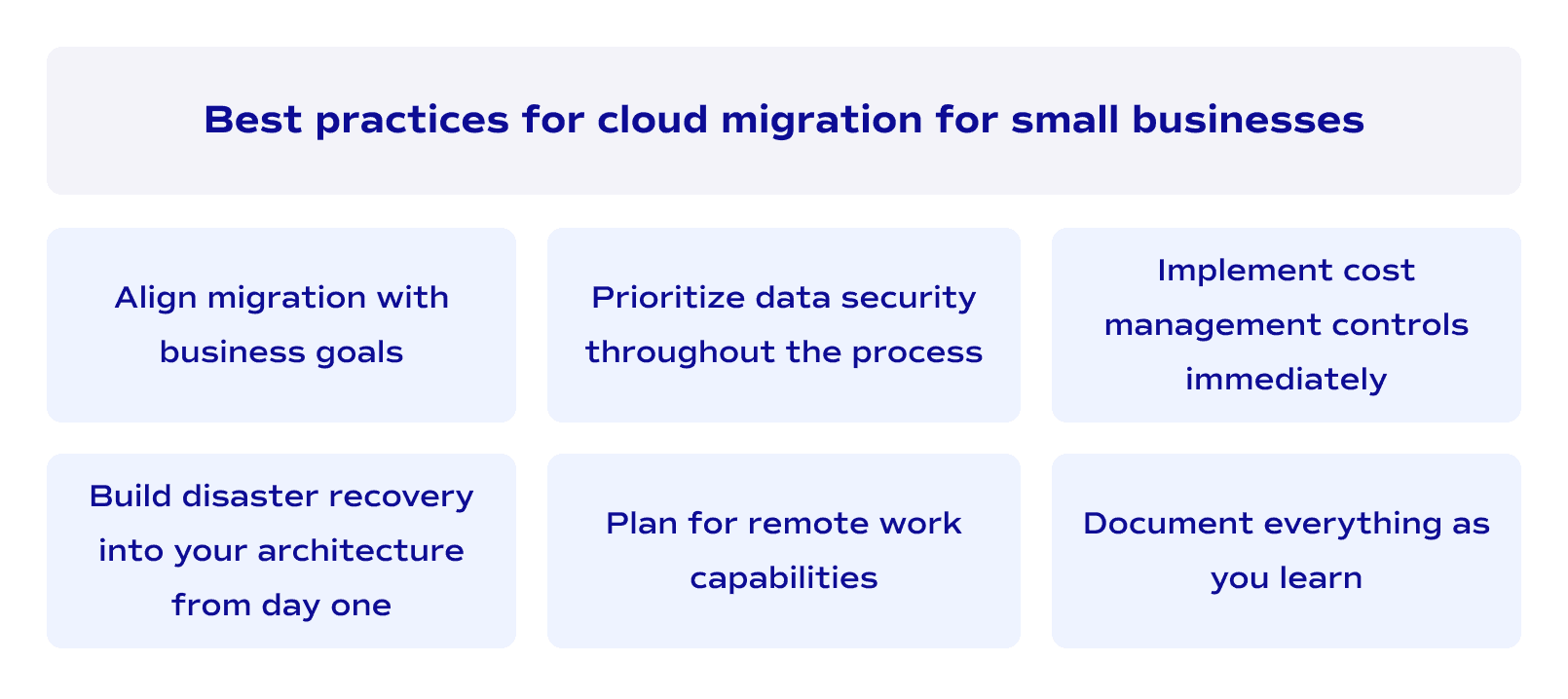
- Align migration with business goals. Cloud computing should solve the actual problems your company faces. Don’t migrate just because competitors are doing it.
- Build disaster recovery into your architecture from day one. Cloud providers replicate data across multiple data centers automatically. Configure backup schedules that match your recovery time requirements.
- Prioritize data security throughout the process. Encrypt data before it leaves your current servers. Verify that security protocols remain active during the entire transfer.
- Plan for remote work capabilities. Cloud infrastructure management enables distributed teams naturally. Configure access controls that work for employees outside the office network.
- Implement cost management controls immediately. Set spending limits on cloud resources. Review usage patterns monthly to eliminate waste.
- Document everything as you learn. Cloud migration for small business becomes easier when you record what worked. Your documentation helps when you need to replicate the process or troubleshoot issues later.
What Happens After Cloud Migration?
At this point, we need to clarify that the work doesn’t end when your systems go live in the cloud.
First, you need to watch how your team actually uses the new infrastructure. Remember that monitoring should happen daily because cloud costs fluctuate based on real usage patterns. Then the thing called “IT support services” shifts from fixing physical hardware to optimizing cloud configurations.
Performance tuning becomes a constant and ongoing task as you discover which applications need more resources. Additionally, disaster recovery testing should happen quarterly to verify your backups work when you need them.
In general, from our practice, you need to know that the first 3 months teach you the most about actual requirements versus what you initially planned. Most small businesses discover they overestimated capacity needs. So after understanding real usage patterns, you can scale down resources and reduce monthly spending.
How small businesses achieve success through cloud migration: Real-world cases
Now, let’s take a look at 3 successful cases of cloud migration for small businesses.
Matouk: 223% ROI from unified cloud platform
Matouk, a 100-employee luxury textile manufacturer in Fall River, Massachusetts, migrated from disconnected legacy systems to an integrated Salesforce CRM and Rootstock Cloud ERP platform between 2015 and 2017. Nucleus Research documented a 223% annual ROI with six-month payback and $1.64 million in average annual benefits. Custom product cycle times dropped from four weeks to two weeks. Independent verification came from Providence Business News, which ranked Matouk #1 on its Fastest Growing Companies list after revenue grew from $42.8 million in 2019 to $74.5 million in 2022. The cloud platform enabled the company to scale from 100 to over 250 employees while running two factory shifts.
AMAG Pharmaceuticals: 80% IT budget reduction going cloud-only
AMAG Pharmaceuticals, a 150-person biotech company in Waltham, Massachusetts, eliminated its data center entirely starting in 2008 under VP of IT Nathan McBride. The migration cut the IT budget from $2.8 million to approximately $750,000-$800,000, representing a 60-80% reduction (depending on which source we should believe). McBride's four-person IT team successfully supported a 330-person company after the migration. McBride detailed the methodology in Harvard Business Review in 2013. Coverage appeared in Network World, Computerworld, TechTarget, and The Enterprisers Project, all confirming specific metrics through direct interviews.
Our own experience: 90% IT infrastructure cost reduction
ELITEX integrated DevOps and backend specialists into a European fintech company’s engineering team in November 2022. The engagement focused on building a SOC 2 Type II compliant infrastructure while developing new crypto staking features across the Ethereum and Solana networks. ELITEX's DevOps engineer consolidated 23 separate applications into a single monorepo and migrated the entire cluster from Azure to AWS. This infrastructure transformation delivered a 90% reduction in operational costs. The unified architecture enabled automated deployment pipelines that replaced manual processes. The staking functionality now operates in stable production, supporting the client's institutional and private investor base.
Why you should choose ELITEX as a cloud migration partner?
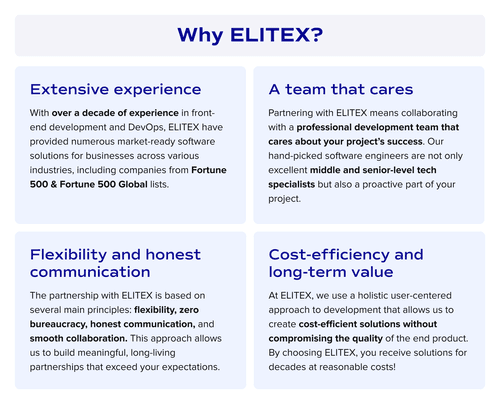
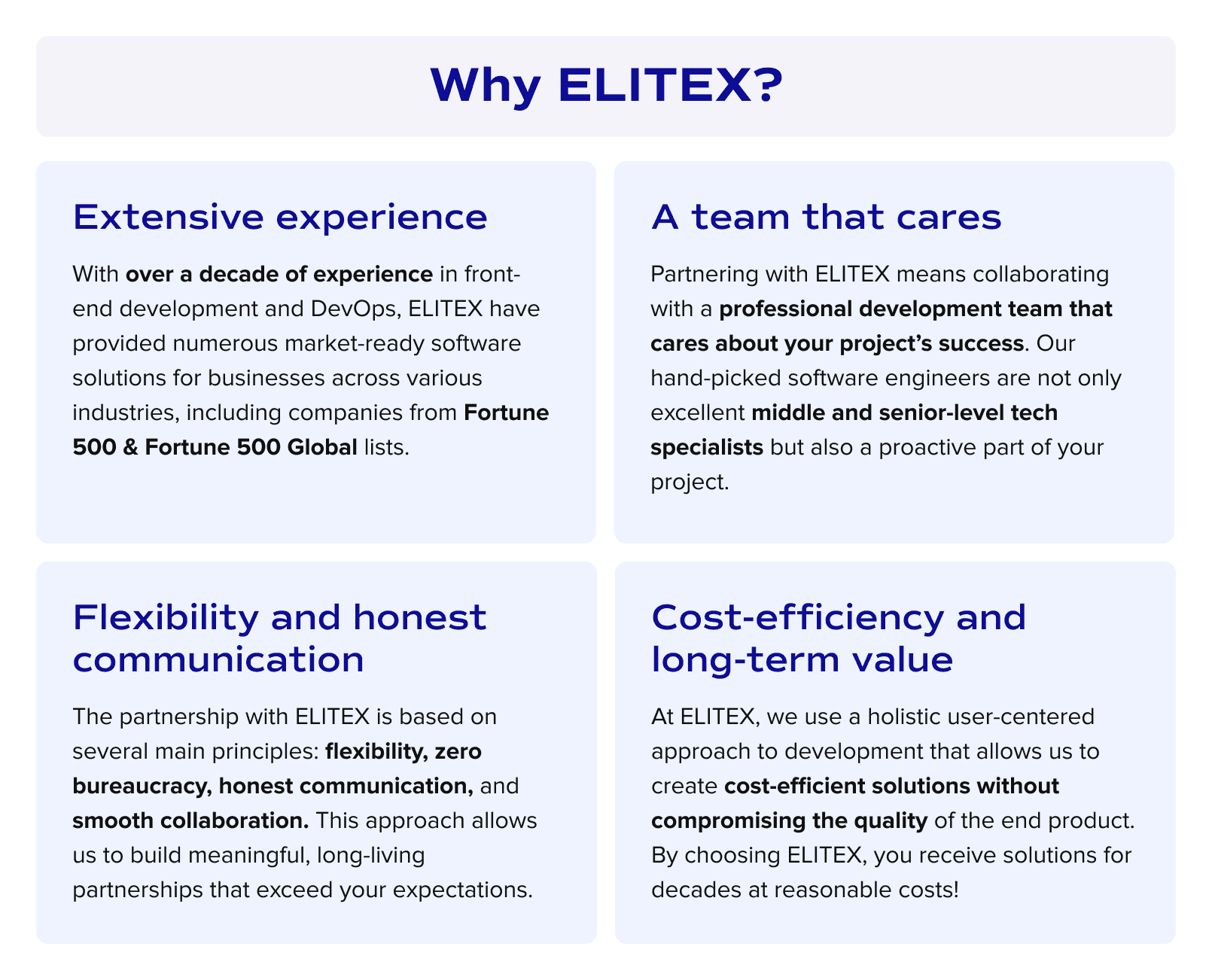
ELITEX bring cloud migration expertise backed by measurable results. The cases, such as cloud migration for the Swiss fintech company mentioned above, or building cloud infrastructure in heavy regulated-healthcare environment from scratch, demonstrate our approach to complex migrations.
Our cloud specialists integrate with your team within days, not even weeks. You work directly with our engineers without account managers or corporate overhead slowing decisions. We staff projects with 90% middle and senior-level developers who deliver concrete outcomes like cost reductions rather than just migrating workloads to new infrastructure. By choosing us, you choose the result beyond all your initial expectations!
FAQs
How can small businesses migrate to the cloud?
Small businesses migrate to the cloud by following a structured approach. Start with auditing current systems to understand what needs to move. Choose a cloud provider based on your workload requirements. Test the migration with non-critical applications first. This trial run reveals issues before you touch essential systems. Then execute the full migration during low-traffic periods while keeping old servers running temporarily as backup.
What are the best cloud migration service providers for small businesses in the USA?
The best cloud migration services for small businesses in the US depend on your specific requirements. AWS Migration Hub handles multi-application environments. For businesses without dedicated IT teams, managed service providers like ELITEX handle the entire migration process while you focus on operations. Your choice should match your technical expertise and budget rather than provider popularity.
What are cloud migration best practices?
Best practices for cloud migration include: documenting your current infrastructure completely before starting, testing with non-critical systems first, encrypting data during transfer, setting cost controls immediately after migration, planning for rollback procedures if something breaks, and monitoring performance closely for the first three months.
How do you choose the right cloud provider for business cloud migration?
Choose a cloud provider based on 3 factors. First, calculate costs, including data transfer fees that add up quickly. Second, verify the provider offers compliance certifications your industry requires. Third, test their support responsiveness before committing. AWS provides the broadest service catalog, but demands technical knowledge to optimize costs. Consider managed providers, such as ELITEX, if you lack in-house DevOps expertise.
Is cloud computing worth it for small businesses?
Cloud computing for small businesses eliminates upfront hardware costs and converts IT spending to predictable monthly expenses. The AMAG Pharmaceuticals case showed an 80% IT budget reduction after migrating. Matouk achieved 223% ROI within six months. Business cloud migration makes sense when your current infrastructure limits growth or when maintenance costs exceed cloud alternatives.
POSTED IN: