

- TL;DR: Cloud migration means moving your systems and data from on-premises servers to the cloud. The process is worth it, but it carries more hidden complexity than most teams expect going in.
- A structured roadmap is what separates a migration that delivers real cost savings from one that creates a new set of problems six months later.
- The six-step roadmap in this guide runs from infrastructure audit through go-live, covering everything you need to plan and execute a migration without costly surprises.
- Different cloud models, post-migration optimization, and the 6 Rs strategy framework are covered as additional factors that shape how the process plays out in practice.
- The guide closes with a practical checklist template you can use directly as a project reference.
Moving to the cloud is a business decision with a long tail of tradeoffs that extend well beyond the engineering team. That's exactly why a cloud migration roadmap matters. Without one, teams make expensive assumptions about compatibility and cost that tend to surface at the worst possible moment. This guide walks through every phase of the cloud migration process, from initial readiness assessment to post-migration optimization, so you have a clear picture of what to expect before the first workload moves.
ELITEX is a DevOps automation services and solutions company with a decade of hands-on experience helping startups and mid-sized organizations migrate and modernize their infrastructure. The patterns in this guide come from real projects. Where something typically goes wrong, we say so.
What is cloud migration?
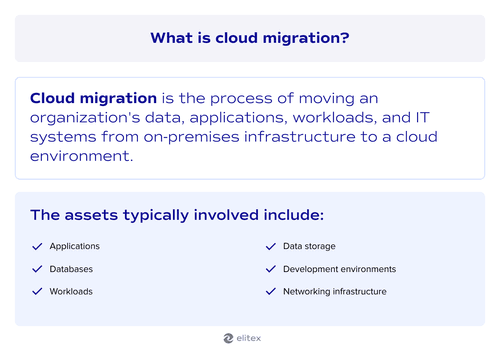
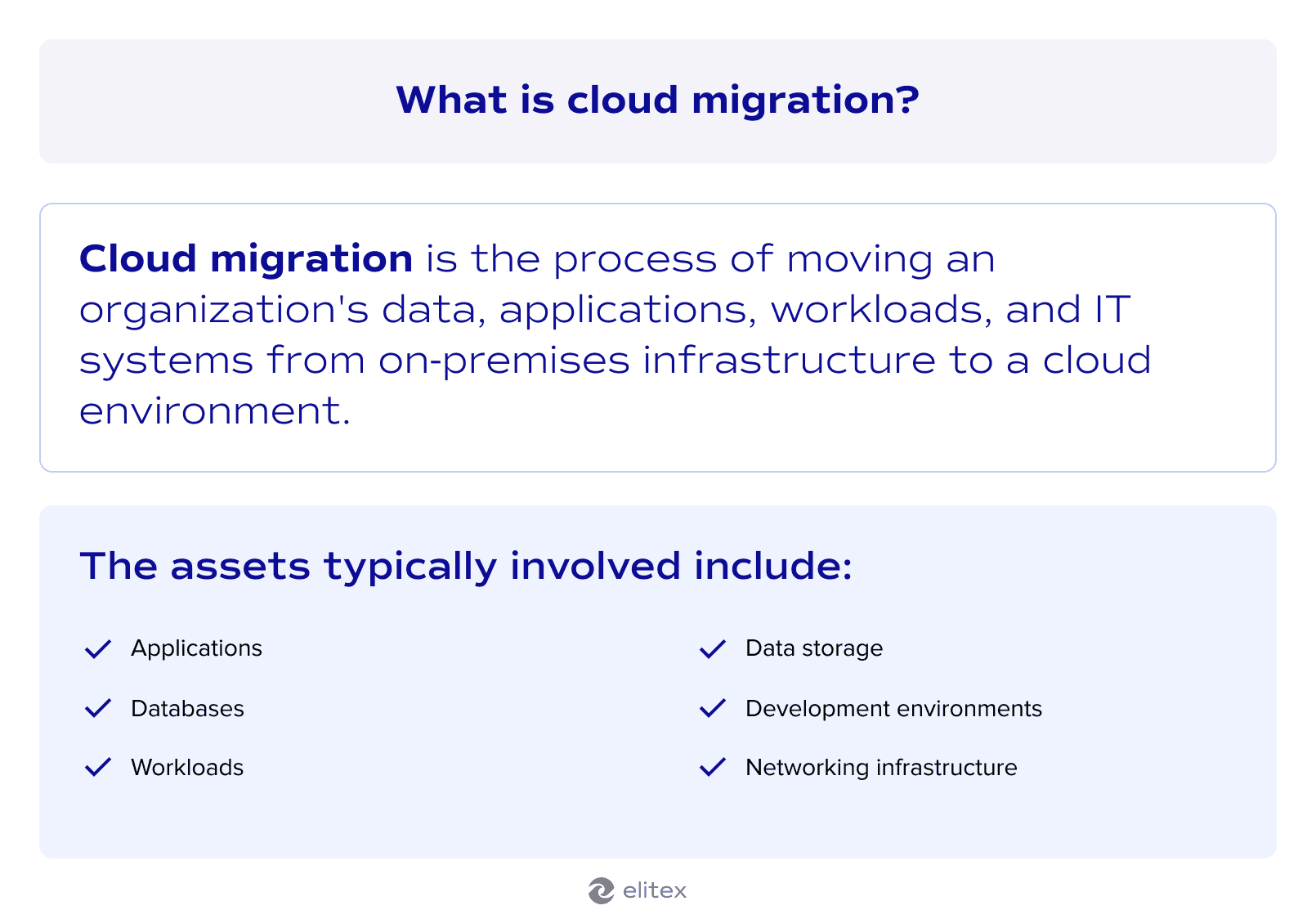
Cloud migration is the process of moving an organization's data, applications, workloads, and IT systems from on-premises infrastructure to a cloud environment. The scope varies widely depending on what's being moved and why. Some teams relocate entire data centers at once. Others migrate one application at a time over months or years.
Why migrate to the cloud?
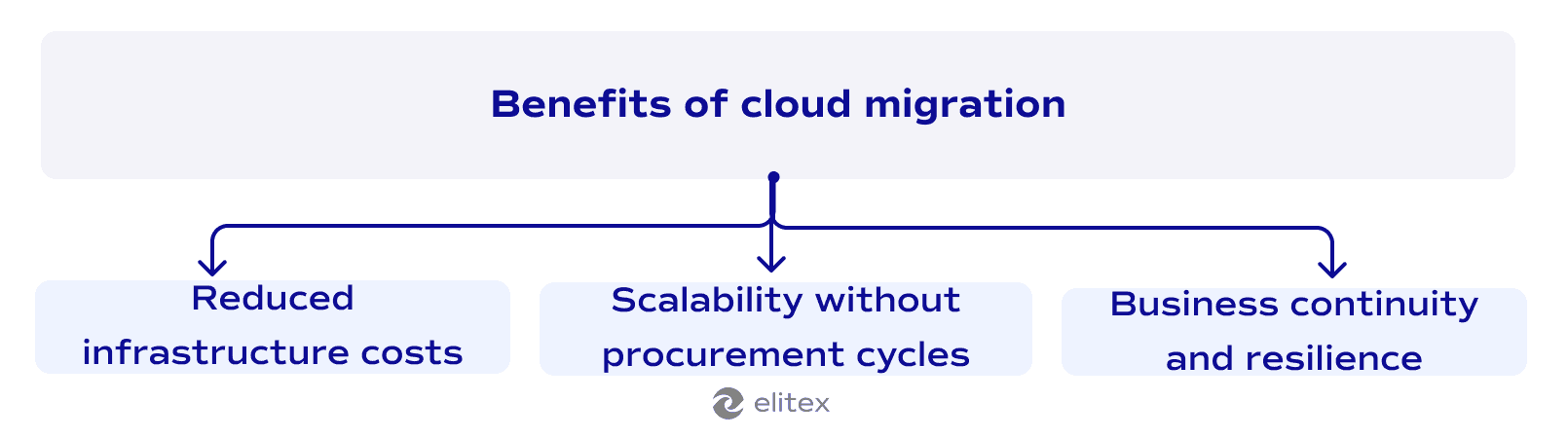
Reduced infrastructure costs
Running your own servers means paying for hardware, power, cooling, and the staff to maintain all of it, whether the capacity is fully used or not. Cloud providers charge for what you actually consume. That shift from fixed capital expenditure to variable operating costs frees up budget that was previously tied to idle infrastructure. A solid cloud migration plan is what determines how much of that saving you actually capture, because without proper scoping, teams tend to overprovision in the cloud just as they did on-premises.
Scalability without procurement cycles
Scaling on-premises takes weeks of hardware procurement and setup. In the cloud, capacity adjusts to actual demand. That flexibility matters most during traffic spikes or periods of rapid product growth. A well-designed cloud architecture makes scaling predictable and cost-controlled from the start.
Business continuity and resilience
When on-premises hardware fails, recovery depends on whatever backup systems your team has in place. Cloud providers replicate data across multiple geographic regions automatically, so with cloud infrastructure, a localized failure does not bring operations down. Recovery time shrinks from hours to minutes. A cloud migration roadmap for enterprises dedicates an entire phase to continuity planning, mapping which systems are business-critical and ensuring they have redundancy built in before any workload moves.
The logic holds at every scale. If you're working with a smaller operation, our guide on cloud migration for small businesses covers how the same principles apply with tighter budgets and leaner teams.
Why cloud migration is harder than it looks
However, the migration itself is not that easy. Yes, the cloud migration process looks straightforward on paper. Move the workloads, flip the switch, done. In practice, most organizations discover that their existing systems carry years of undocumented dependencies, custom configurations, and technical debt that nobody fully mapped. Application migration alone can surface compatibility issues that weren't visible until something breaks in a new environment.
Cloud readiness is the other side of the problem. It's not only about whether the technology can move. Teams need new skills, processes, and sometimes organizational structures to operate effectively in the cloud. The migration process exposes those gaps quickly, and filling them mid-migration is significantly more expensive than addressing them upfront.
Cloud migration roadmap: Step-by-step
So, what can you do to make the entire migration process smoother?
First of all, you can adhere to a detailed roadmap that will make your path clearer. A well-structured cloud migration strategy roadmap reduces the risk of costly surprises and keeps teams aligned across every phase of the move. Here, we created a basic roadmap example for you.
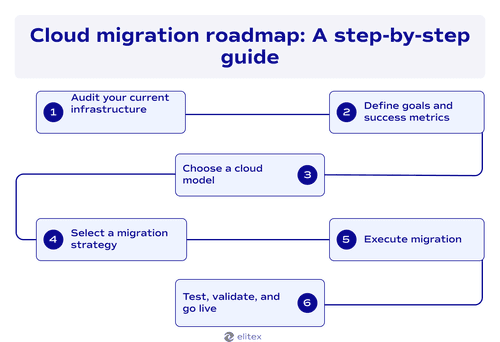
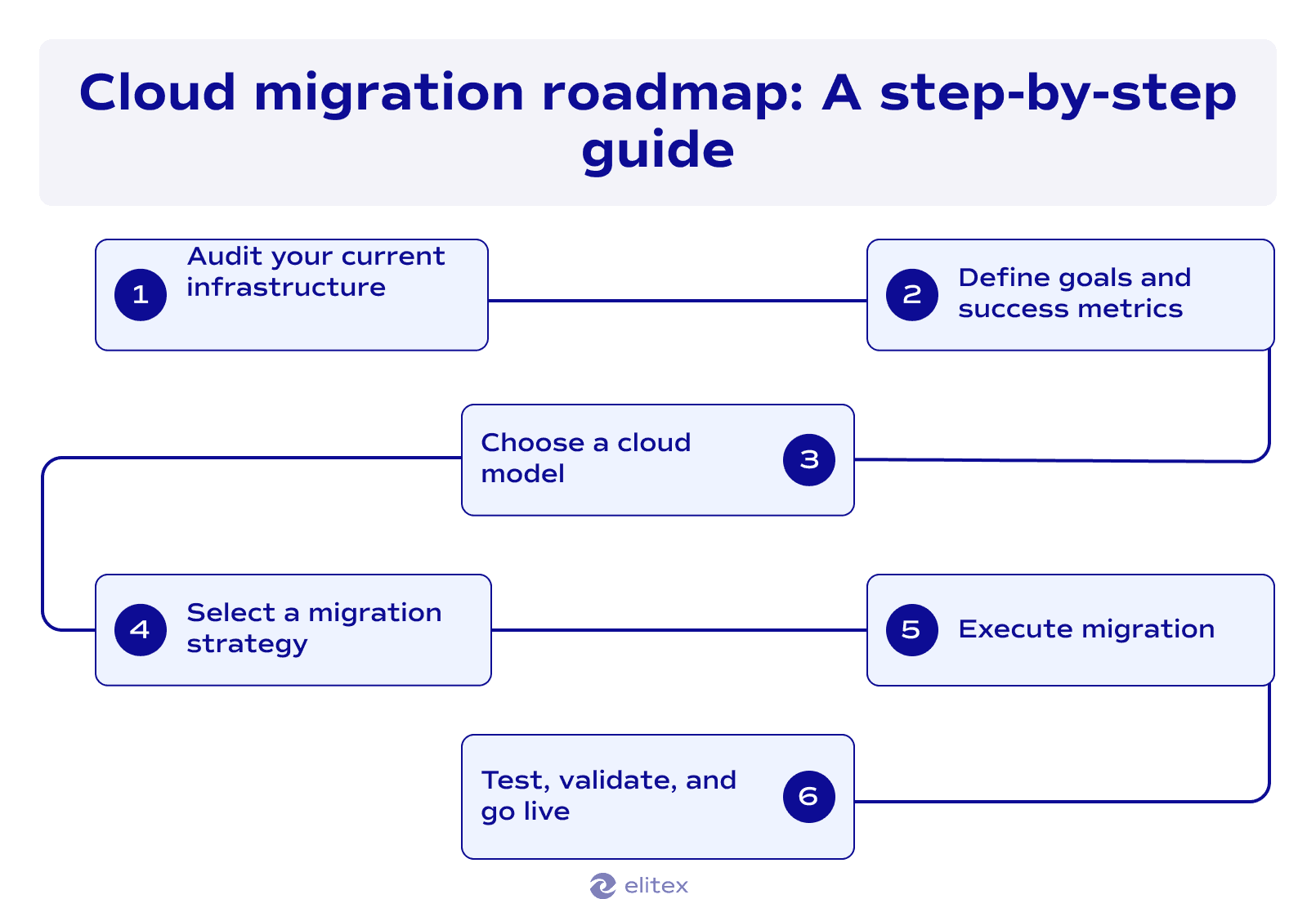
The steps for cloud migration below follow a logical sequence, but the time each step takes varies depending on the size of your infrastructure and the complexity of your systems. Use this as a working framework, not a rigid checklist.
Step 1: Audit your current infrastructure
Before any workload moves, you need a complete picture of what you have. That means building a full inventory of your IT infrastructure: what runs where and what it depends on. Some workloads will move to the cloud as-is. The rest will need modification or should be retired before migration begins.
This phase often surfaces surprises. Legacy systems with undocumented integrations and outdated software licenses both show up here. The more thorough this audit, the fewer unexpected problems appear mid-migration.
Step 2: Define goals and success metrics
A cloud migration plan without measurable goals is difficult to evaluate and harder to defend to stakeholders. Before committing to a timeline, define what success looks like in concrete terms: target cost reduction, performance benchmarks, uptime requirements, recovery time objectives, and security compliance thresholds.
These metrics also shape how data operations are structured in the new environment. Teams that skip this step frequently discover at go-live that they optimized for the wrong things.
Step 3: Choose a cloud model
There are several cloud models you can choose from:
Public cloud
Public cloud infrastructure is hosted and managed by a third-party provider. It offers the lowest barrier to entry and the widest range of managed services. Most organizations start here, particularly for workloads that do not involve sensitive data or strict regulatory requirements, like HIPAA or SOC 2 Type II.
Private cloud
A private cloud runs on dedicated infrastructure, either on-premises or hosted by a provider for one organization. This model gives greater control over security and compliance. The tradeoff is higher cost and more internal operational responsibility.
Hybrid cloud
A hybrid cloud migration roadmap connects on-premises or private cloud infrastructure with public cloud services. This model suits organizations that need to keep certain workloads on-premises for compliance reasons while moving others to the public cloud. Managing a hybrid environment adds complexity, but it gives teams precise control over where each workload runs.
Multi-cloud
Multi-cloud means using services from more than one cloud vendor. Organizations take this route to avoid dependency on a single cloud vendor, meet regional data residency requirements, or take advantage of capabilities specific to each provider.
Step 4: Select a migration strategy
Cloud strategies for moving workloads are typically grouped into six approaches, known as the 6 Rs. They range from Rehosting, which moves workloads with minimal changes, to Refactoring, which restructures applications to take full advantage of cloud-native capabilities. The right choice depends on each workload's business value, technical debt, and long-term direction. A dedicated breakdown of all six approaches is covered further in this guide.
Step 5: Execute migration
Execution should follow the priority order established in your cloud migration plan, starting with low-risk workloads before touching business-critical systems. Data migration requires particular attention at this stage. Data protection measures need to be in place before any production data moves, including encryption in transit and tightly scoped access controls. Running parallel environments during migration reduces the risk of data loss if something goes wrong.
Read our article about DevOps security best practices to learn more about secure cloud migrations.
Step 6: Test, validate, and go live
Start with load testing and failover scenarios before anything goes live. Another important point is cloud governance: access management and compliance policies need to be correctly configured and checked against the success metrics defined in Step 2. Go-live is a milestone, not a finish line. Monitoring and DevOps observability during the first weeks after cutover is what catches misconfigured resources, unexpected latency, and cost anomalies before they turn into serious problems.
Roadmap for cloud migration: Additional factors to consider
Cloud migration strategies (the 6 Rs framework)
The 6 Rs framework is how businesses build a cloud migration roadmap at the workload level. Each application or system gets assigned one of six approaches based on its complexity, business value, and long-term direction. A cloud transition plan that maps every workload to one of these strategies is what turns a vague migration goal into an actionable project.
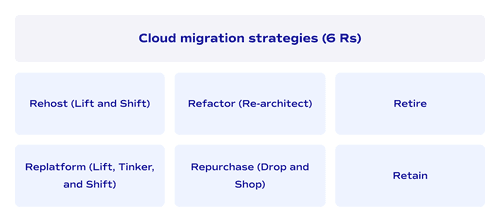
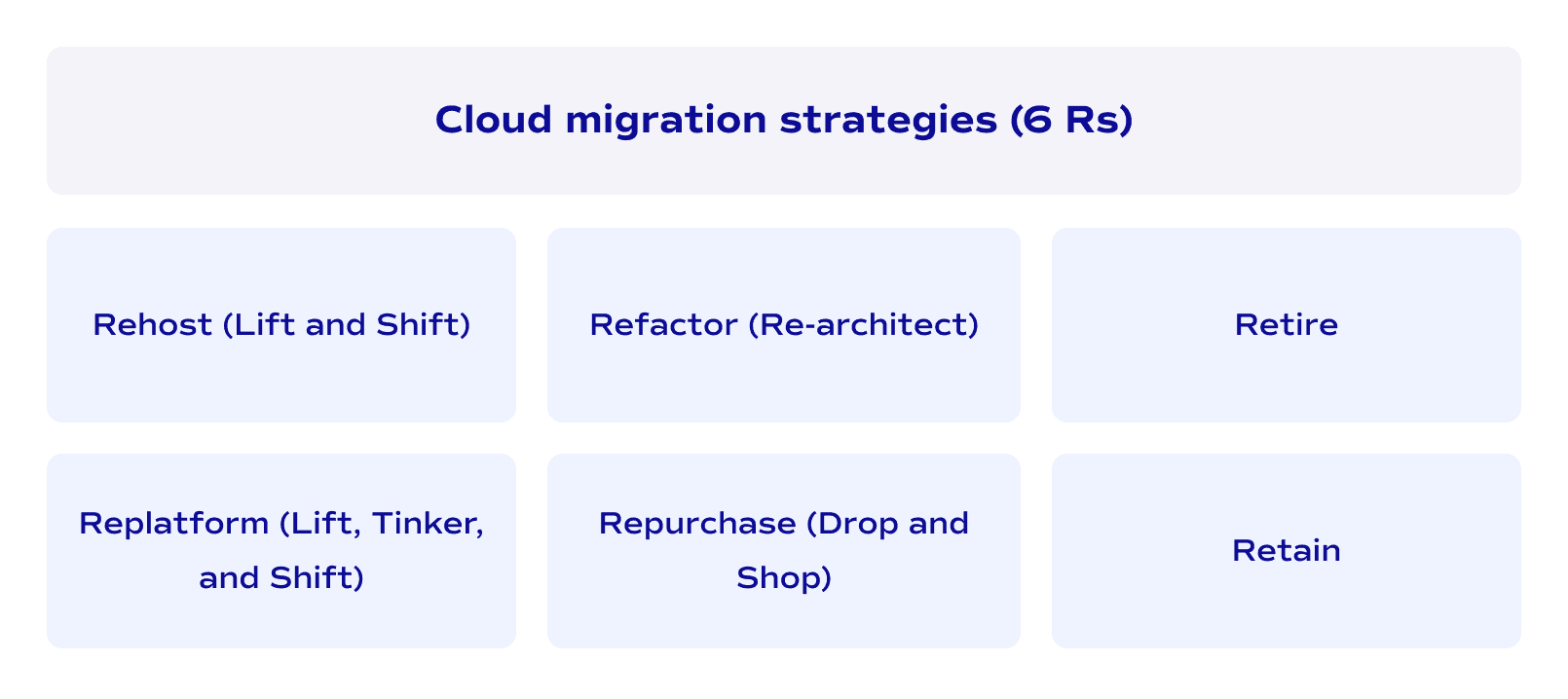
- Rehost (Lift and Shift): Move workloads to the cloud without changing the underlying architecture. It's the fastest approach and carries the lowest short-term risk. The tradeoff is that you don't take full advantage of cloud-native capabilities.
- Replatform (Lift, Tinker, and Shift): Make targeted optimizations during migration without restructuring the core application. A common example is switching to a managed database service. This captures some cloud benefits without the cost of a full redesign.
- Refactor (Re-architect): Restructure the application to fully leverage cloud-native features. This delivers the highest long-term value but requires the most time and investment. Best suited for business-critical systems with a long operational life ahead.
- Repurchase (Drop and Shop): Replace an existing application with a cloud-native SaaS alternative. Common for CRM, HR, or email systems. The migration effort shifts from technical to operational: data transfer and user adoption.
- Retire: Decommission applications that are no longer needed. The audit phase typically identifies more of these than expected. Retiring redundant systems reduces cost and simplifies the overall migration scope.
- Retain: Keep certain workloads on-premises for now. Regulatory requirements, recent hardware investments, or high migration complexity can all justify this. Retain is a deliberate decision, not a default.
Post-migration optimization
First of all, take into account that go-live is not the end of the project. It's the point where optimization actually becomes possible.
Cloud environments generate detailed usage data that on-premises systems rarely could match. That data shows where resources are overprovisioned and where costs are climbing without a clear reason. Architecture decisions made during planning often look different once real traffic hits the system.
Performance tuning is another layer. Cloud infrastructure behaves differently than on-premises, and most of that requires deliberate adjustment rather than waiting for things to settle.
Security and compliance posture also need revisiting after cutover. Access policies configured during migration are often broader than necessary. Tightening them once the environment stabilizes is a standard post-migration practice.
10 tips for successful cloud migration
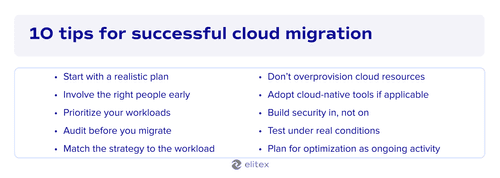
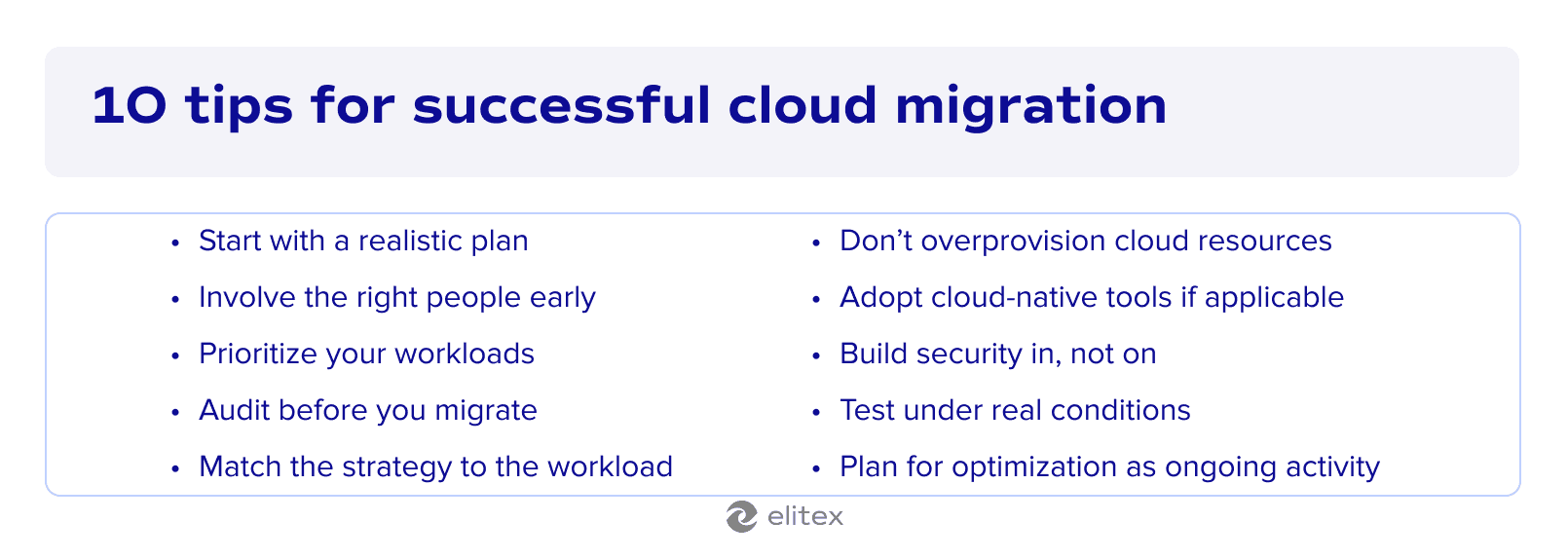
1. Start with a realistic roadmap cloud migration plan. Scope creep is one of the most common reasons migrations run over budget. Define the boundaries of the project before any technical work begins.
2. Involve the right people early. A dedicated cloud migration team should include engineers, security specialists, and business stakeholders from the start. Decisions made without a business context tend to get reversed mid-project.
3. Prioritize your workloads. Not everything needs to move at once. Start with low-risk, non-critical systems to build confidence and surface process issues before touching production workloads.
4. Audit before you migrate. Undocumented dependencies and legacy configurations are easier to find before migration than after something breaks in the cloud environment.
5. Match the strategy to the workload. Applying lift-and-shift to every system is fast but leaves value on the table. Each workload deserves its own assessment against the 6 Rs framework.
6. Don't overprovision cloud resources. Cloud resources are easy to scale up, so there's no need to provision for peak capacity from day one. Right-sizing from the start keeps costs predictable.
7. Adopt cloud-native tools where it makes sense. Cloud-native DevOps automation tools for monitoring, logging, and deployment are purpose-built for cloud environments. Bringing legacy tooling into the cloud often creates more operational overhead than it saves.
8. Build security in, not on. Access controls and compliance policies should be configured before workloads go live. Retrofitting security into a running cloud environment is significantly harder.
9. Test under real conditions. Staging environments rarely replicate production traffic accurately. Load testing and failover validation should happen before go-live, not after.
10. Plan for optimization as an ongoing activity. The first post-migration configuration is rarely the final one. Treating cloud optimization as a continuous practice produces better cost and performance outcomes than a one-time tuning pass.
Common roadblocks and how to overcome them
| Roadblock | Why It happens | How to overcome It |
| Undocumented dependencies | Systems built over years rarely have complete architecture records | Run a full infrastructure audit before migration begins. Map dependencies at the application level. |
| Budget overruns | Initial estimates miss hidden costs like data transfer fees and licensing changes | Include a contingency buffer in the budget. Track cloud spend from day one with cost monitoring tools. |
| Skill gaps in the team | Cloud operations require different skills than managing on-premises infrastructure | Identify gaps during readiness assessment. Bring in external expertise or training before execution starts. |
| Data loss or corruption during migration | Data migration is high-risk without proper validation steps | Test data integrity at each migration phase. Keep production systems running in parallel until validation is complete. |
| Security misconfigurations | Cloud environments have different security models than on-premises systems | Define access policies before migration. Review and tighten them immediately after go-live. |
| Compliance and regulatory issues | Some industries have strict rules about where data can be stored and how it moves | Involve legal and compliance teams early. Choose cloud regions and providers that meet your regulatory requirements. |
| Vendor lock-in | Deep reliance on one provider's services makes future changes expensive | Evaluate portability during architecture decisions. Multi-cloud or hybrid approaches reduce long-term dependency. |
| Resistance from internal teams | Migration changes workflows and responsibilities, which creates friction | Communicate the reasons for migration clearly. Involve affected teams in planning, not just execution. |
| Performance issues after go-live | Cloud infrastructure behaves differently than on-premises systems under real traffic | Build performance testing into the pre-launch phase. Plan a post-migration optimization cycle from the start. |
| Scope creep | Migration projects expand as new requirements surface mid-execution | Define scope boundaries before technical work begins. Treat additions as separate workstreams. |
Cloud migration roadmap template
This cloud migration roadmap template breaks the process into six phases. Use it as a working checklist alongside your project plan.
Phase 1: Infrastructure Audit
▢ Inventory all applications and systems currently running
▢ Map dependencies between systems
▢ Identify licensing and compliance requirements
▢ Flag legacy systems with known technical debt
▢ Decide what to migrate, modify, or retire
Phase 2: Goals and Success Metrics
▢ Define target cost reduction
▢ Set performance benchmarks
▢ Establish uptime and recovery time objectives
▢ Agree on security compliance thresholds
▢ Get stakeholder sign-off on all metrics
Phase 3: Cloud Model Selection
▢ Evaluate public, private, hybrid, and multi-cloud options
▢ Match model to compliance and operational requirements
▢ Select cloud vendor or vendors
Phase 4: Migration Strategy
▢ Assign each workload one of the 6 Rs
▢ Prioritize workloads by risk and business value
▢ Document the migration sequence
Phase 5: Execution
▢ Configure data protection and access controls
▢ Migrate low-risk workloads first
▢ Run parallel environments during critical data migration
▢ Validate data integrity at each phase
Phase 6: Testing and Go-Live
▢ Run load tests and failover scenarios
▢ Review cloud governance and access policies
▢ Confirm all success metrics from Phase 2
▢ Enable DevOps observability and monitoring
▢ Schedule first post-migration optimization review
Also read our article about cloud migration service providers.

A brief conclusion to wrap things up
Cloud migration is a project with a defined start but no real finish line. The roadmap in this guide covers the full arc: from infrastructure audit and goal-setting through model and strategy selection, execution, and post-migration optimization. Each phase builds on the previous one. Skipping steps is possible, but the cost of that tends to show up later, at a point where fixing things is significantly more expensive.
If you'd rather not navigate this process alone, ELITEX offers DevOps infrastructure automation services built around practical migration experience. We've worked with startups running lean infrastructure and mid-sized organizations managing complex, multi-environment systems across hospitality, publishing, healthcare, fintech, ecommerce, and beyond. The goal in every engagement is the same: a migration that reduces operational cost, improves resilience, and doesn't create a new set of problems to solve six months later. So if you’re looking for a reliable tech partner for cloud migration, schedule a consultation with a company beyond all initial expectations today!
Cloud migration roadmap FAQ
How long does a typical cloud migration take?
It depends heavily on infrastructure size and complexity. A small business migrating a handful of applications can complete the process in weeks. A mid-sized organization with legacy systems and compliance requirements should plan for several months at minimum. The cloud migration project plan example in this guide gives a realistic phase-by-phase breakdown to use as a starting point.
What is the most common reason cloud migrations fail?
Skipping or rushing the infrastructure audit. Undocumented dependencies and unresolved technical debt surface at the worst possible moment when they haven't been mapped upfront. The roadblocks table in this guide covers the most frequent failure points and how to address them before they become critical.
Can we migrate to cloud on our own, or do we need external help with the migration?
That depends on your team's cloud experience and the complexity of your infrastructure. Smaller migrations with straightforward workloads are manageable internally. Larger or more complex projects, particularly those involving regulated data or legacy systems, benefit from external expertise. ELITEX has supported migrations across both scenarios.
What are the main stages of a hybrid cloud migration roadmap?
The hybrid cloud migration roadmap stages follow the same six-phase structure covered in this guide: infrastructure audit, goal-setting, model selection, strategy assignment, execution, and testing. The difference with hybrid is that the execution phase requires careful decisions about which workloads stay on-premises and which move to the public cloud. Managing that boundary adds operational complexity that pure public cloud migrations don't have.
What is an AI cloud migration roadmap?
An AI cloud migration roadmap applies machine learning to assist with discovery, workload classification, and dependency mapping during migration planning. Some enterprise tools use AI to recommend migration strategies per workload and predict cost outcomes. It's an emerging practice, and the tooling is maturing, but the underlying phases of migration remain the same.