



- TL;DR: Low-code development automates code generation through visual interfaces, reducing the need for manual scripting. DevOps is a shared delivery practice built around speed, automation, and cross-functional accountability
- These 2 approaches fit naturally because both prioritize speed, reduce manual work, and distribute responsibility across the team
- Low-code DevOps is a software development approach that applies visual tooling to CI/CD pipelines, cutting setup time for teams with a small presence of DevOps engineers
- On the benefits side, low-code DevOps compresses pipeline setup time, reduces the operational load on senior engineers, speeds up onboarding, and makes change management more accessible
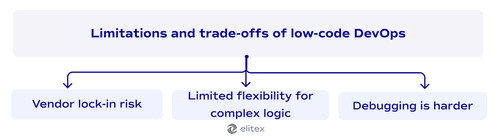
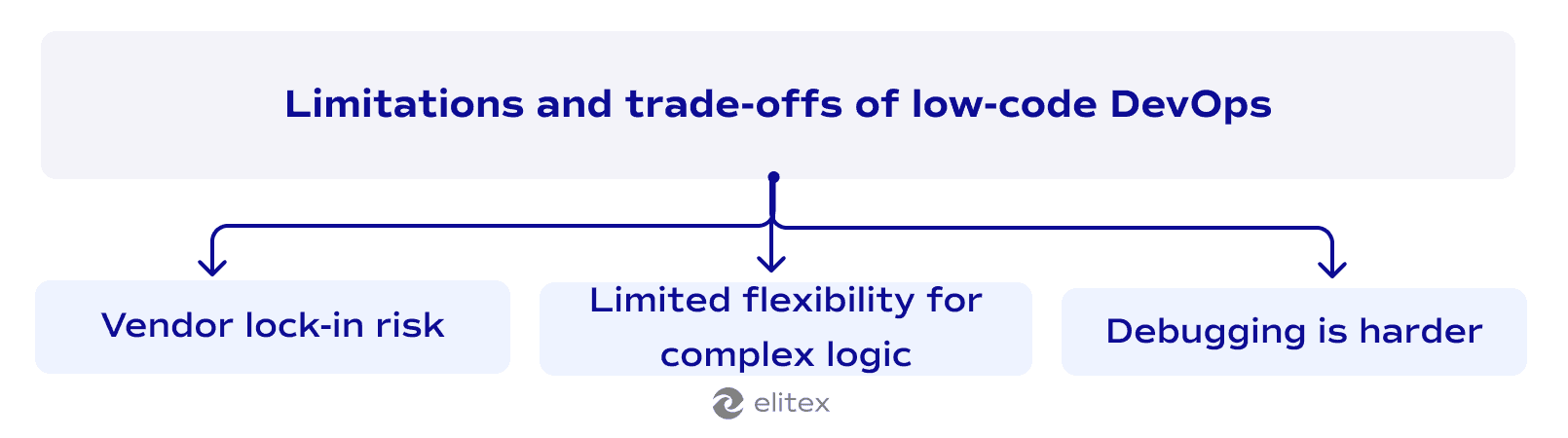
- Core trade-offs are vendor lock-in and limited flexibility for complex logic
- The strongest low-code DevOps platforms in 2026 are GitHub Actions, GitLab CI/CD, and Harness
- Low-code tooling works best as a complement to engineering work, not a replacement for it. DevOps engineers remain essential for architecture decisions, complex infrastructure, and anything the visual builder can't handle
For over a decade, low-code and no-code tools have been changing how engineering teams build and ship software, and DevOps is one of the less obvious places where this is happening. Most people associate low-code with frontend apps or simple automations. But low-code/no-code DevOps is pushing that logic further into CI/CD pipelines, where visual workflow builders and pre-built integrations are replacing hand-written scripts in places that used to require dedicated tooling expertise.
As a DevOps automation services company, ELITEX has worked with teams at different DevOps maturity levels, from startups setting up their first CI/CD pipeline to mid-sized organizations trying to reduce the operational load on senior engineers. This guide reflects what we've seen work, what hasn't, and how to think about DevOps low-code tooling before committing to it. But let’s go in order.
What is low-code development?
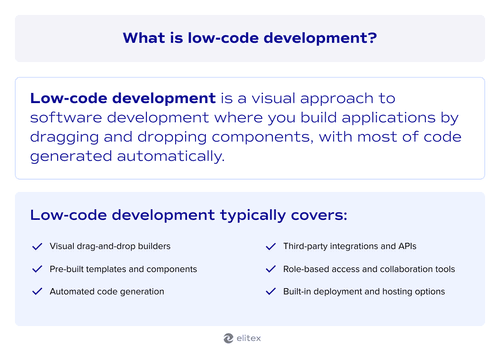
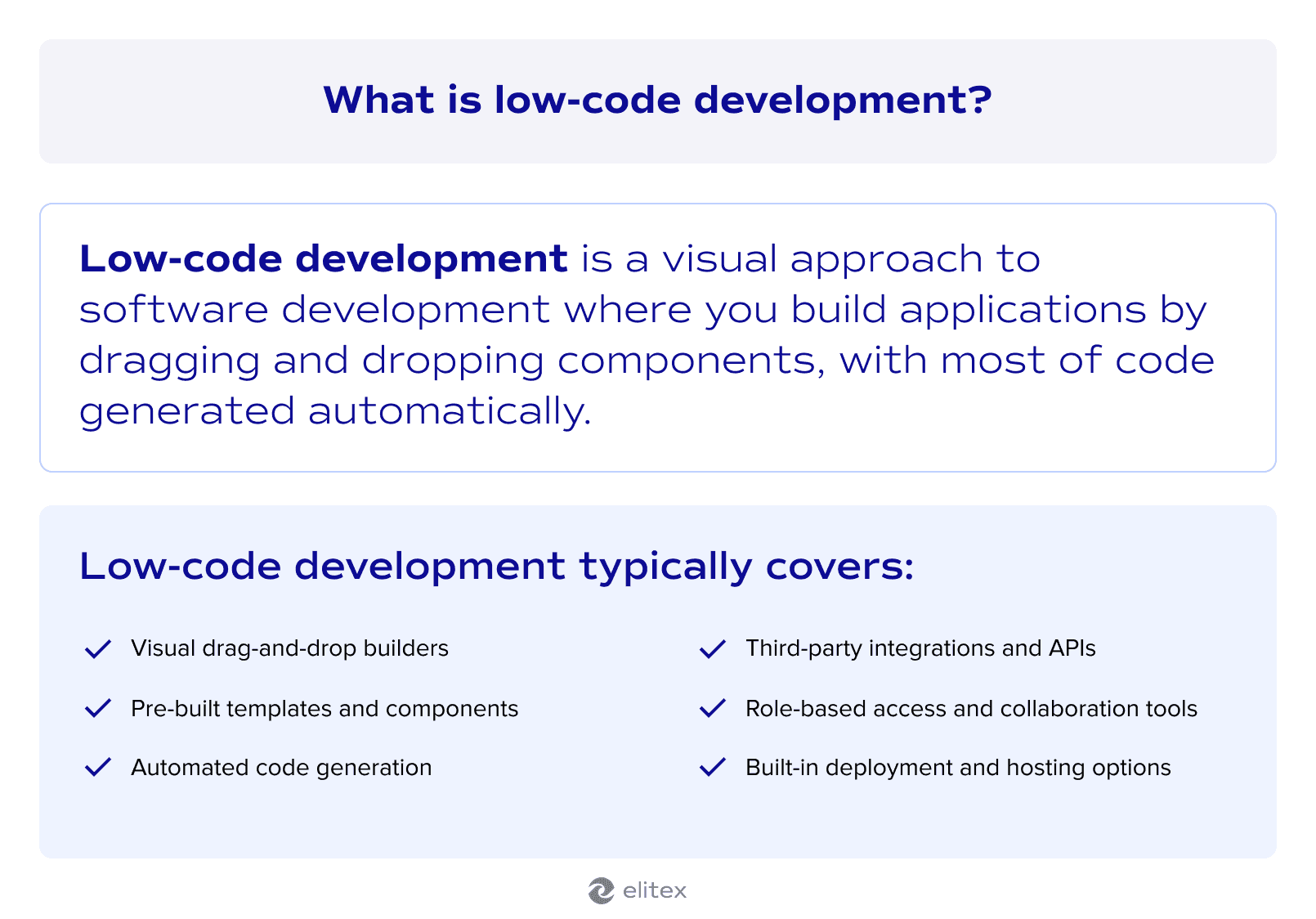
Low-code development is a visual approach to software development where you build applications by dragging and dropping components, with most of the code generated automatically. Low-code platforms handle the underlying logic so that application development doesn't require writing everything from scratch, which opens the process to people without deep programming backgrounds. That doesn't mean code disappears entirely. Most platforms allow custom scripting where needed, so developers can extend functionality beyond what the visual builder offers.
A quick note: In this text, we’ll use the term “no-code” alongside “low-code”. No-code and low-code are often treated as separate categories, but the difference is mostly a matter of degree. Both rely on visual interfaces and pre-built components. The main distinction is that low-code still allows custom scripting, while no-code doesn't. Many platforms today offer both modes depending on the user. So, we’ll use them interchangeably.
What is DevOps?
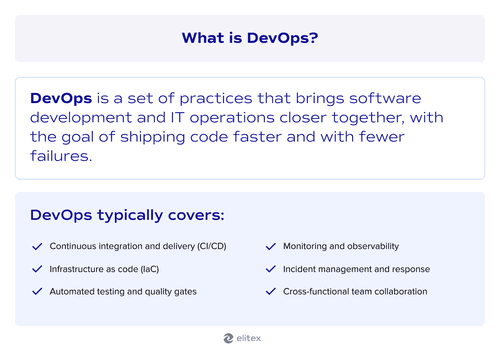
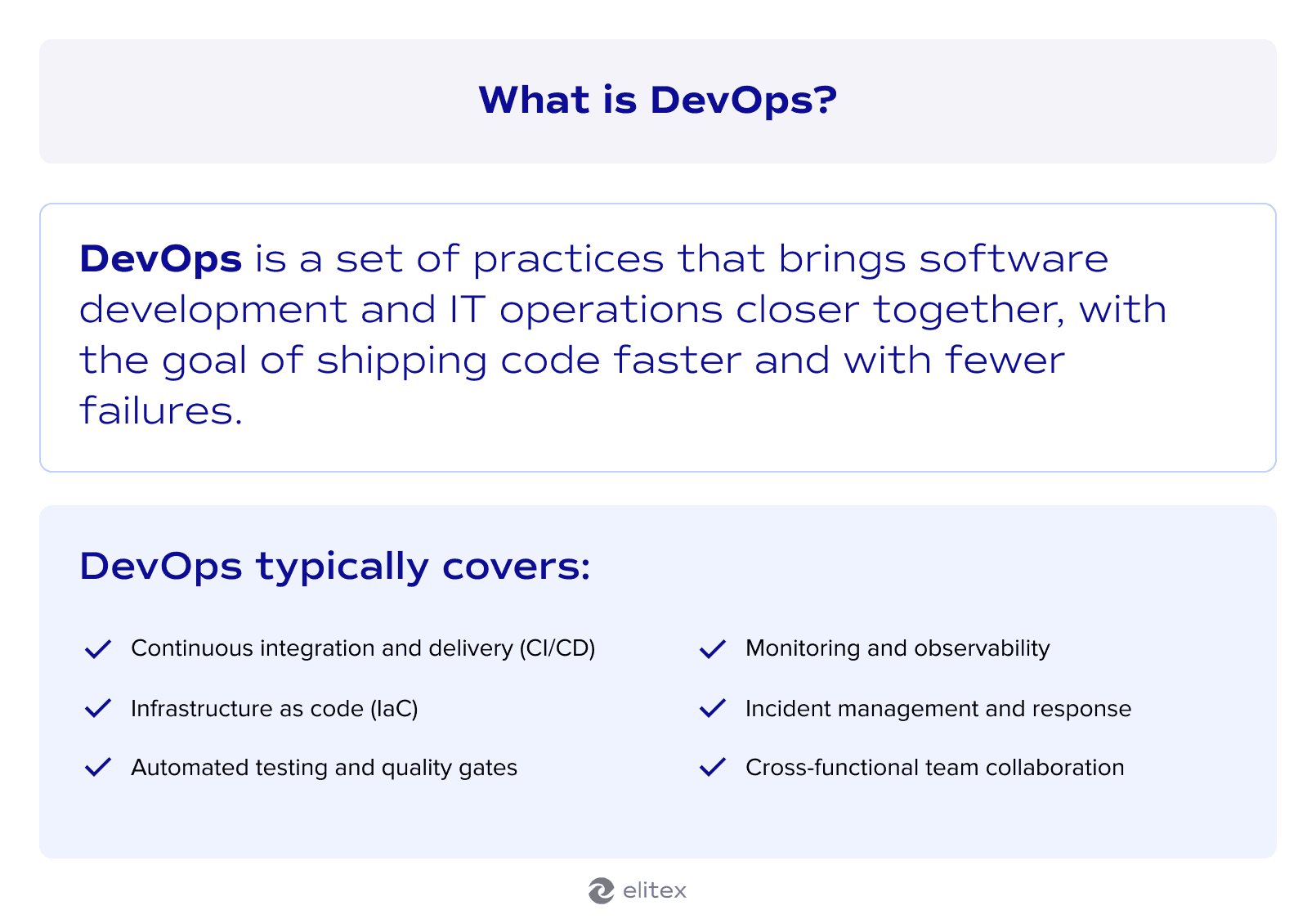
DevOps is a set of practices that brings software development and IT operations closer together, with the goal of shipping code faster and with fewer failures. Where traditional development handed off finished work to a separate ops team, DevOps treats delivery as a shared responsibility across the whole cycle. A well-built DevOps pipeline automates the repetitive parts of that cycle, from testing to deployment, so teams spend less time on manual handoffs.
DevOps transformation isn't a one-time project. It's a shift in how teams are structured, how tools are chosen, and how accountability is shared.
What is low-code DevOps?
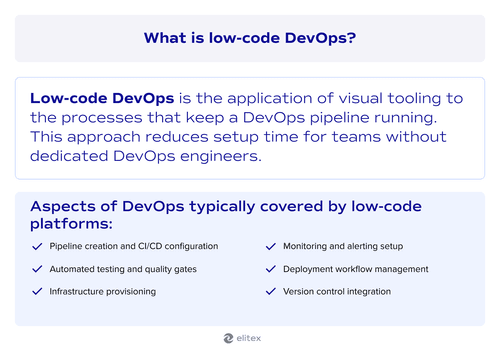
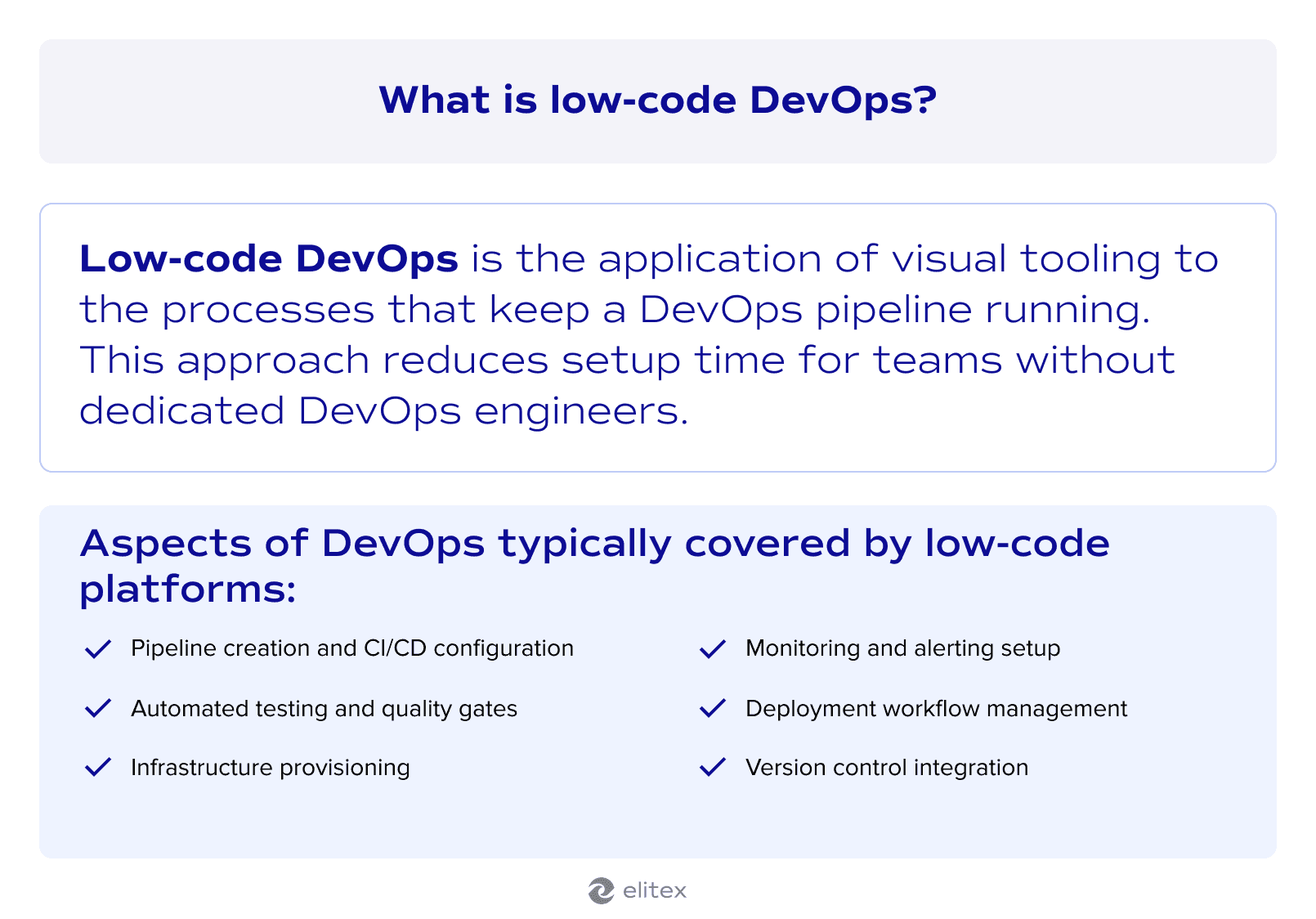
Low-code DevOps is the application of visual tooling to the processes that keep a DevOps pipeline running. Tasks that once required scripting or deep knowledge of DevOps automation tools can be configured through a user interface, which reduces setup time for teams without dedicated DevOps engineers.
The picture changes with complexity, though. For organizations going through digital transformation, low-code DevOps can offer a faster entry into CI/CD workflows, and version control with deployment triggers can be wired together visually. Where it gets harder is with complex or highly customized environments, which still require traditional engineering work regardless of what the platform promises.
Why low-code and DevOps are a natural fit
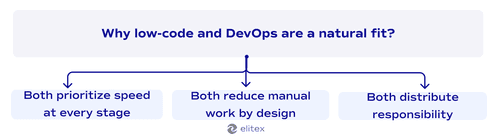
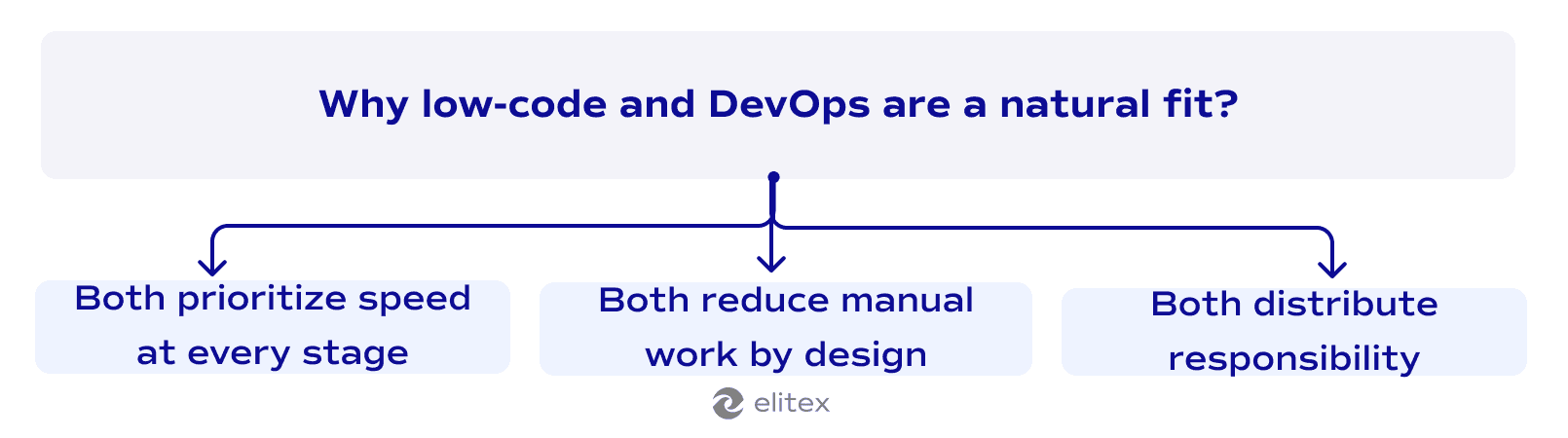
Here are 3 reasons why these two concepts complement each other naturally.
Both prioritize speed at every stage
DevOps is built around reducing delays between writing code and running it in production. Low-code platforms accelerate the configuration side of that equation, letting teams set up pipelines and triggers without writing boilerplate. Due to this symbiosis, professional developers stay focused on logic that actually requires their attention.
Both reduce manual work by design
Low-code and DevOps share a common goal: fewer manual steps in the delivery process. Where DevOps reduces handoffs between teams, low-code reduces the effort of configuring the tools those teams depend on. Internal tools, monitoring setups, and deployment workflows can be built and maintained without dedicated scripting work. The result is a delivery process that moves faster at both ends, which is where the real efficiency gain comes from.
Both distribute responsibility across the team
DevOps is built on the idea that delivery is a shared responsibility, not something owned by a single specialist role. Agile methodology introduced that thinking at the team level, and low-code extends it to the tooling itself by distributing the ability to configure and manage pipelines across the team. Both concepts push against the same assumption: that only experts should own the process.
Benefits of low-code DevOps
Now, let’s take a look at why this approach works for many software teams across the globe:
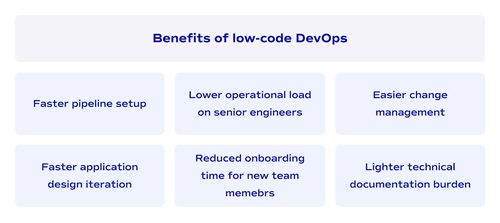
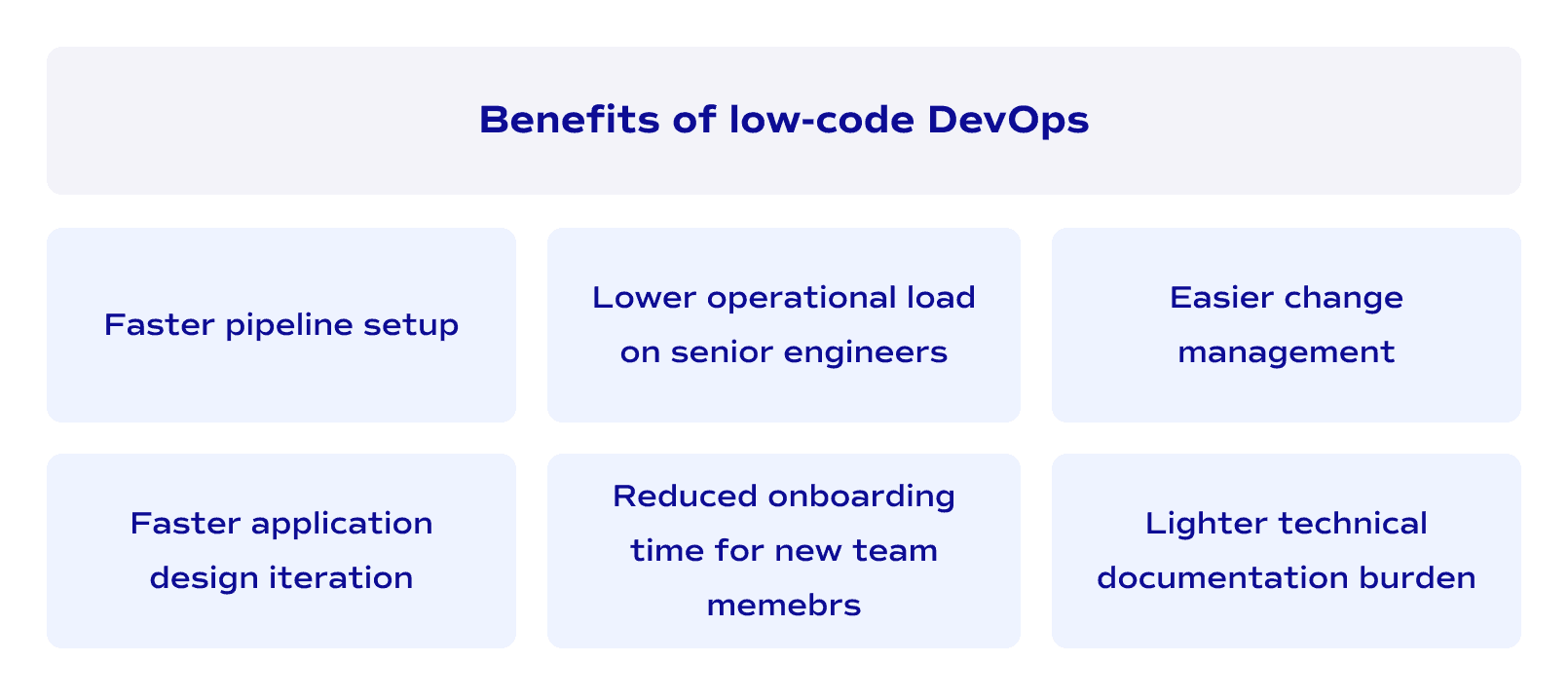
Faster pipeline setup
CI/CD workflows can be configured visually without writing everything from scratch, which compresses the early stages of the application development lifecycle considerably. What used to take days of scripting work can be reduced to hours of configuration.
Lower operational load on senior engineers
Senior engineers get their time back. Routine tasks move to less specialized roles, and the people with the deepest expertise stay focused on the problems that actually require it.
Easier change management
Visual interfaces make pipeline modifications readable to everyone involved in the delivery cycle, not just the person who built it. Reviewing, approving, and rolling back changes becomes a shared activity rather than a specialist task, which matters when the pace of change management picks up, and decisions need to move fast.
Faster application design iteration
Prototyping moves faster when adjusting a workflow doesn't require rewriting scripts. Fewer blocked sprints, shorter feedback loops.
Reduced onboarding time
Getting up to speed on pipeline work takes less time when configuration doesn't require mastering proprietary scripting or complex build tools. For a growing engineering function, that difference adds up quickly and shows up in how soon new hires can contribute meaningfully.
Lighter technical documentation burden
Logic visible in the interface largely documents itself, which means less time maintaining technical documentation that goes stale the moment something changes.
Limitations and trade-offs of low-code DevOps
But, at the same time, this approach also has a few inherent trade-offs:
Vendor lock-in risk
Switching platforms later in the application development lifecycle is expensive, and that cost is easy to underestimate at the point of adoption. The more deeply a pipeline is built around one platform's abstractions, the harder it becomes to move away from it.
Limited flexibility for complex logic
Visual builders have a ceiling. Past a certain point, customization requires workarounds, and workarounds accumulate technical debt at a rate that can quietly offset everything the platform saved upfront. For pipelines with non-standard requirements, that ceiling arrives sooner than the sales material suggests. What starts as a minor limitation tends to compound.
Debugging is harder
Abstraction hides failures. The same layer that simplifies application design also obscures what broke and where, making diagnosis slower than it would be in a hand-written pipeline.
Low-code/no-code platforms for DevOps
GitHub Actions
GitHub Actions is the CI/CD layer built directly into GitHub. Pipelines are defined in YAML configuration files, and a large marketplace of pre-built actions covers most common tasks, from running tests to pushing container images, without writing deployment logic from scratch. The visual workflow editor in the GitHub UI makes it genuinely low-code for teams that don't want to author every step manually.
It works well for straightforward delivery pipelines tied to a GitHub-hosted codebase. The setup time is minimal, and the integration is tight. Debugging failed pipelines and YAML complexity become real pain points at scale, and larger pipelines get harder to maintain as they grow. Worth knowing as a starting point, not necessarily a long-term answer for complex environments.
- Visual workflow editor in the GitHub UI
- Pre-built action marketplace with thousands of integrations
- Trigger-based automation tied to repository events
- Matrix builds for parallel testing across environments
- Secrets management and environment protection rules
- Self-hosted runner support for custom infrastructure
GitLab CI/CD
GitLab CI/CD is a fully integrated part of GitLab, covering source control, CI/CD, security scanning, DevOps observability, and release orchestration in a single platform. Its Auto DevOps feature generates a complete pipeline automatically based on the project structure, which is the low-code angle here. For teams that already use GitLab for version control, the pipeline configuration requires significantly less manual work than setting up a separate CI tool.
The trade-off is that realistically, anything beyond a simple setup will require scripting. Auto DevOps covers a lot of ground but makes assumptions about your project structure that don't always hold. GitLab is a strong choice when the goal is consolidating tools, less so when pipeline customization is the priority.
- Auto DevOps with automatic pipeline generation
- Built-in security scanning and compliance controls
- Visual pipeline editor with real-time status feedback
- Artifact management and container registry
- Review apps and canary deployment support
- GitOps-native multi-environment deployment
Harness
Harness combines CI/CD with developer self-service to automate pipelines, infrastructure, and the entire path from code to production, with no manual scripting or maintenance required for core workflows. The visual pipeline builder is purpose-built for DevOps, which separates it from general low-code platforms that bolt on CI/CD as an afterthought. A recent major release added a sleeker interface, a new visual pipeline builder, governance features, and real-time debugging tools.
It goes further than most tools in this category. Harness provides audit trails on every pipeline, workflow, step, and execution, and offers an engineering insights module for identifying delivery bottlenecks. For teams running complex multi-cloud deployments, that depth matters. The cost is a factor, though, and for smaller setups, the platform is heavier than the problem requires.
- Visual pipeline builder with no-script configuration
- AI-powered canary deployments and automated rollbacks
- Built-in continuous verification and observability integrations
- Infrastructure as code management with governance policies
- Feature flag management connected to deployment pipelines
- Cloud cost visibility across environments
How to know if low-code/no-code DevOps is right for your team?
The wish to reduce manual work in a pipeline is completely natural, and it's part of what makes DevOps and low-code a logical pairing in the first place. Tools like aforementioned GitHub Actions, GitLab CI/CD, and Harness genuinely lower the effort of configuring and maintaining delivery workflows. For teams setting up pipelines from scratch, dealing with a legacy application, or trying to reduce the operational load on senior engineers, low-code and no-code options like these are generally worth taking seriously.
That said, the honest answer to whether you should use low-code DevOps automation platforms depends on what you're trying to solve. Low-code and no-code tools handle the predictable, repeatable parts of a DevOps pipeline well. Where they run out of flexibility is in environments with complex infrastructure, non-standard deployment requirements, or security constraints that go beyond what a visual builder can configure. In those cases, the abstraction becomes a ceiling rather than a shortcut.
The more important question is whether your team treats low-code tooling as a complement to engineering work or a replacement for it. Adopting GitLab CI/CD to reduce manual pipeline configuration is a sound decision. Expecting it to eliminate the need for DevOps expertise is not. The tools handle the routine. The engineers handle everything the tools can't.
To wrap things up: A quick conclusion
Low-code tooling has earned its place in the DevOps conversation. It compresses setup time, lowers the barrier for less specialized contributors, and makes pipeline work more accessible across the team. What it doesn't do is replace the judgment, architecture thinking, and problem-solving that DevOps engineers bring to complex delivery environments.
That distinction matters in practice. Pipelines break in ways that visual builders don't document. Infrastructure decisions have long-term consequences that templates don't account for. The engineers who understand the full picture are still the ones who make DevOps work at scale.
At ELITEX, we've spent over a decade working on that full picture. Our services range from traditional DevOps consulting and DevOps infrastructure automation to automation strategy consulting and managed DevOps services. That range matters because teams come to us at different stages, with different problems. We've worked across hospitality, real estate, healthcare, fintech, ecommerce, publishing, and several other industries, so the context shifts, but the depth doesn't.
For most clients, we're also a more cost-efficient option than building out an equivalent in-house function from scratch. And beyond the technical side, what clients tend to mention most is how we work: transparent communication, genuine flexibility, and none of the bureaucracy that slows things down with larger vendors. So, whether you're looking for further consultation on low-code/no-code DevOps or a tech partner who can implement a full delivery pipeline from the ground up, don't hesitate to reach out to ELITEX.


FAQs about low-code & DevOps
What is the best low-code platform for DevOps?
It depends on your setup. Harness is the strongest option for complex multi-cloud environments. GitLab CI/CD works well when consolidating tooling is the priority. GitHub Actions is the most practical starting point for straightforward pipelines.
How do the best low-code platforms for DevOps differ from general low-code tools?
General low-code platforms are built for application development. The best low-code platforms for DevOps are purpose-built around pipeline logic, deployment workflows, and infrastructure configuration. That's a meaningful difference when you're managing production environments rather than building internal tools.
Can DevOps automation no-code tools fully replace scripting?
Not in complex environments. DevOps automation no-code tools handle repetitive, predictable pipeline tasks well. Custom logic, non-standard deployment requirements, and intricate infrastructure dependencies still require traditional engineering work. The abstraction has a ceiling, and that ceiling arrives faster than most vendors suggest.
Is low-code DevOps suitable for legacy software modernization?
It can be a useful entry point. Visual pipeline builders reduce the setup effort when modernizing a legacy application incrementally. The underlying migration work, architecture decisions, and integration complexity still require experienced DevOps engineers.
Do low-code DevOps tools eliminate the need for DevOps engineers?
No. Low-code tooling reduces manual configuration work, but it doesn't replace the judgment that goes into pipeline design, infrastructure decisions, and incident resolution. The tools handle the routine. Engineers handle everything the tools can't anticipate.
POSTED IN: